5
— — — — — — — — — — — — — — — — — — — — — — — — — — — — — — — — — — — — — — — — — — — — — — — — — — — —
Introduction
Thank you for purchasing this embroidery machine. Before using the machine, carefully read the
“Important Safety Instructions” (page 1), and then study this manual for the correct operation of the
various functions. In addition, after you have finished reading this manual, store it where it can quickly be
accessed for future reference.
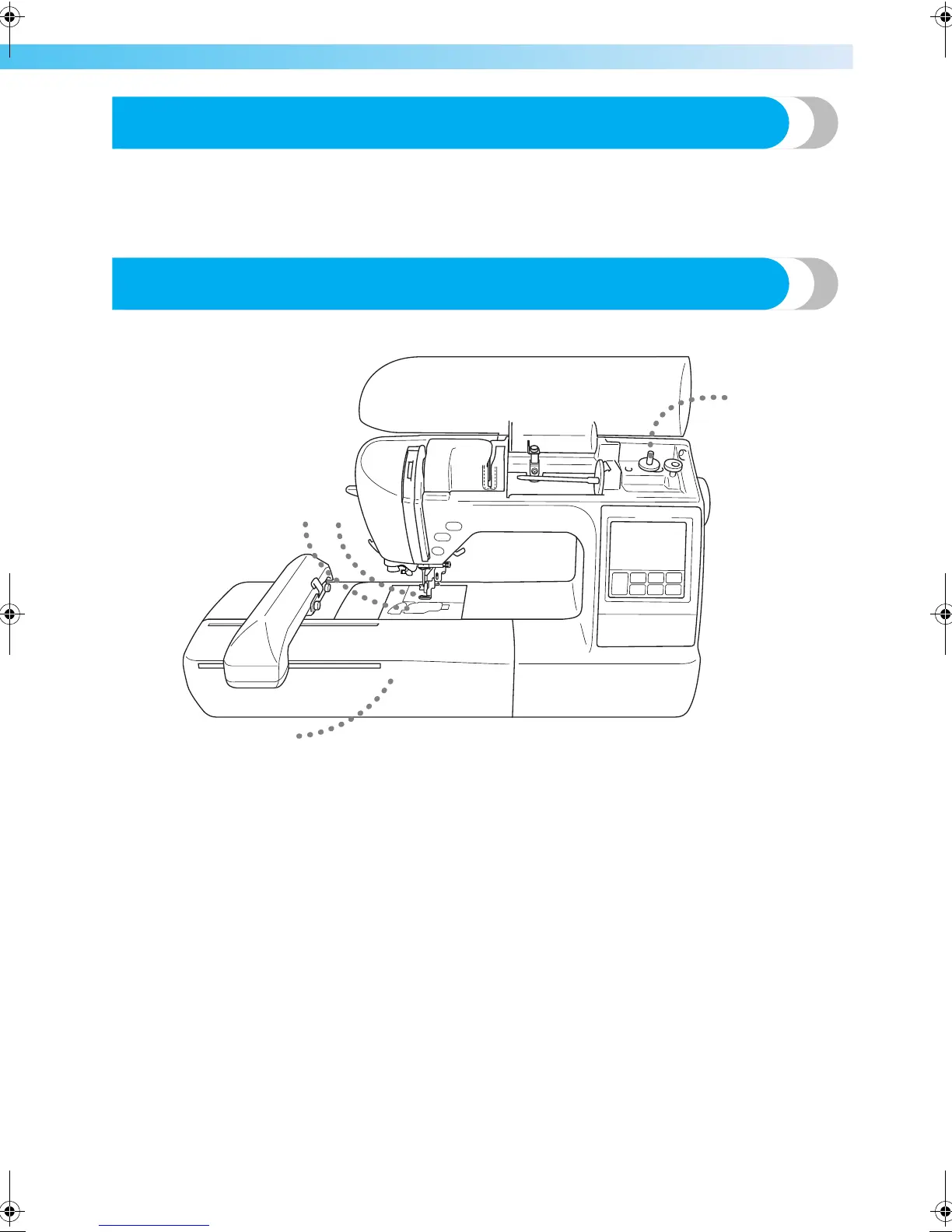
Machine Features
a Simple bobbin-winding
The bobbin can quickly and easily be wound with thread (page 24).
b Quick-set bobbin
You can start embroiderying without pulling up the bobbin thread (page 28).
c Automatic thread cutting
The thread can be cut automatically after embroidering (page 51).
d Embroidery
You can embroider built-in embroidery patterns, characters, framed decorations, and designs from optional embroidery
cards (page 39).
32
1
4
F-combo-BrotherE_sgml.book Page 5 Thursday, November 17, 2005 3:39 PM











 To Next Page