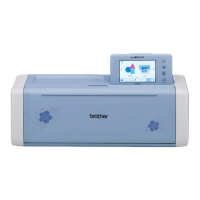
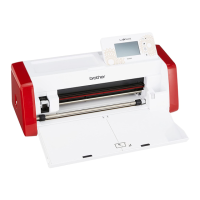
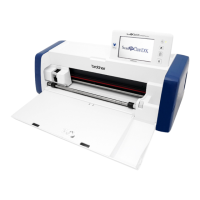
12
Selecting the Connection Method
■ Step 1
Open DesignNCut Manager (DesignNCut
application for operation options), installed on the
computer.
■ Step 2
Connect the machine and the computer with the
DesignNCut Manager (DesignNCut application for
operation options).
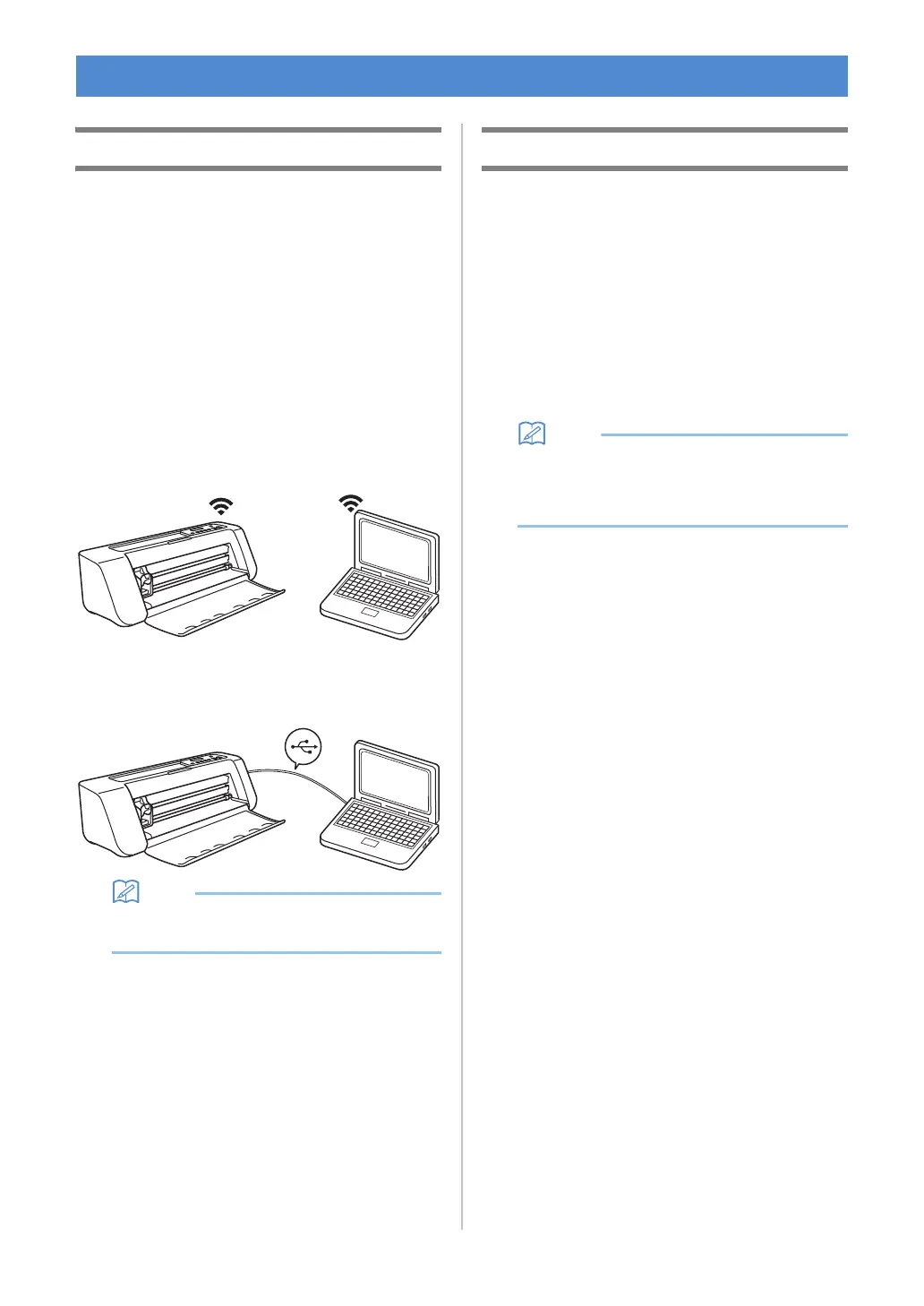
When using a wireless connection
Continue to “Wireless Connection” on
page 12.
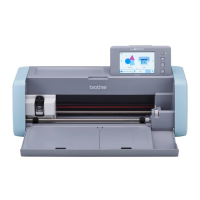
When using a USB cable
Continue to “Direct PC Connection Using
USB Cable (Windows Only)” on page 18.
• For the mobile device version, follow the on-
screen instructions to specify the settings.
Wireless Connection
Select the connection method to the wireless
network.
• Using Wireless Network Name (SSID) & Network
Password (Key).....13
• Using Router's WPS button.....15
• Using WLAN Assistant Wizard.....16
• Using WLAN Assistant Wizard with USB
Cable.....17
■ Wireless Connection Conditions
The wireless network connection complies with IEEE
802.11 n/g/b standards and uses the 2.4 GHz frequency.
• A wireless network cannot be set up with WPA/
WPA2 Enterprise. For the authentication
methods that this machine is compatible with,
refer to “Err-03” on P. 60.
CONNECTING THE MACHINE AND COMPUTER


 To Next Page