47
3
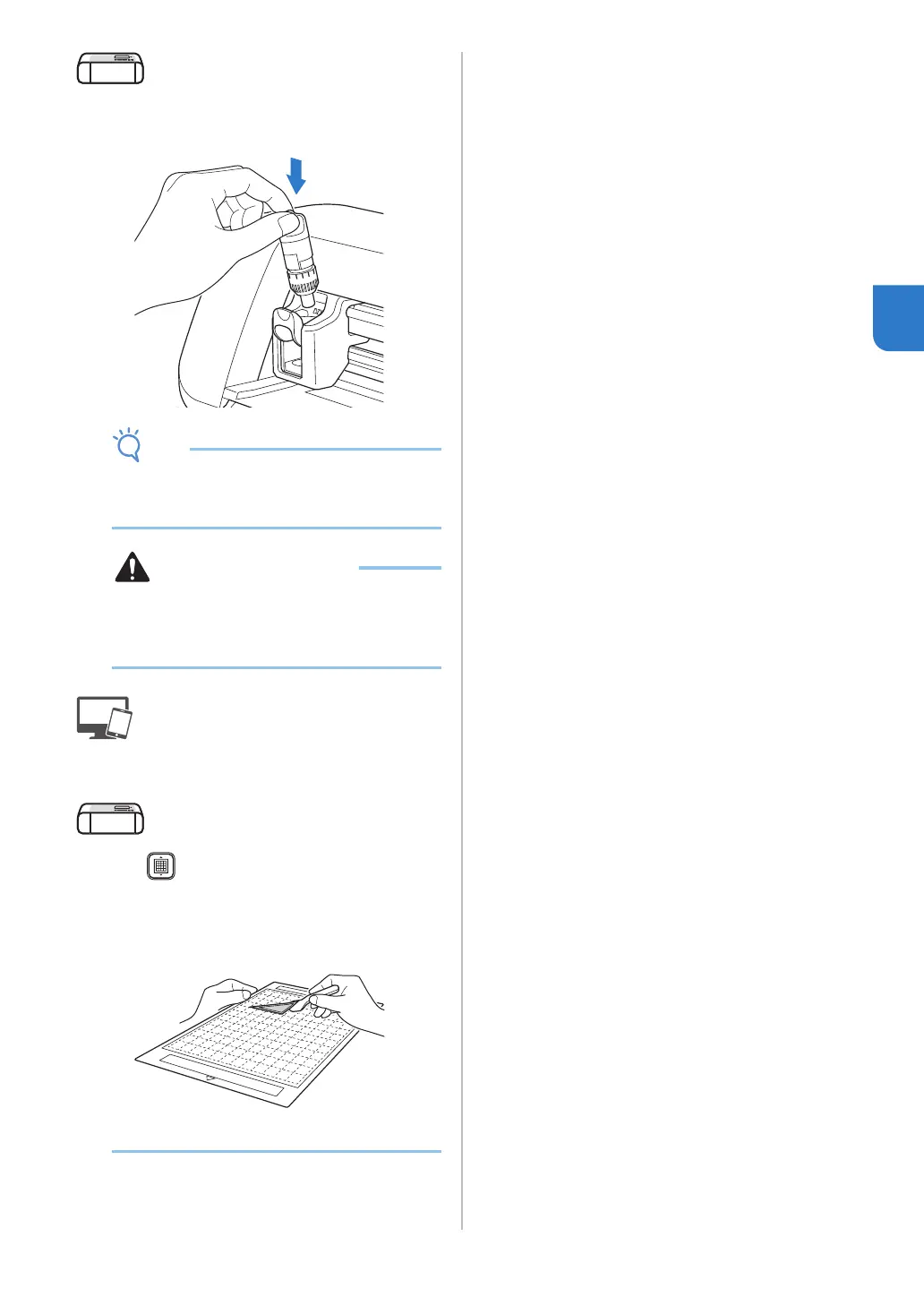
c Remove the pen holder, and then install the
blade holder.
• After use, remove the pen from the pen holder,
and then attach the cap to the pen before
storing it.
• Before installing the blade holder in the
machine, remove the protective cap.
• Do not allow infants/children to put the
protective caps in their mouths.
d Click [Start] to begin cutting.
e Press in the operation panel to feed out the
mat.
f Peel the patterns off the mat.
• For details, see “Unloading the Mat” on page 38.


 To Next Page