Chapter 4
32
f Do one of the following:
If you chose Name:, enter the name
(up to 15 characters) by pressing the
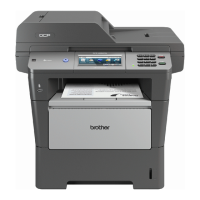
buttons on the Touchscreen.
Press OK.
If you chose Number/Address:,
enter the E-mail address (up to 60
characters) by pressing the buttons
on the Touchscreen.
Press OK.
If you chose Resolution:, press
one of the available resolution
options displayed on the
Touchscreen.
If you chose PDF Type:, press one
of the available file type options
displayed on the Touchscreen.
How to change the stored name or
number:
If you want to change a character, press
d or c to position the cursor under the
character you want to change, and then
press . Re-enter the character.
The LCD will display your new setting.
g Do one of the following:
When you are finished making
changes, press OK.
To change more details, go to
step f .
h Press Stop/Exit.


 To Next Page
 Loading...