Home > Network > Wireless Network Settings > Use the Wireless Network > Configure Your Machine for a
Wireless Network Using the Setup Wizard from Your Mobile Device
Configure Your Machine for a Wireless Network Using the Setup Wizard
from Your Mobile Device
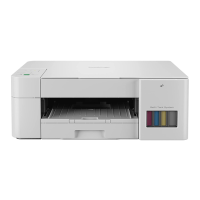
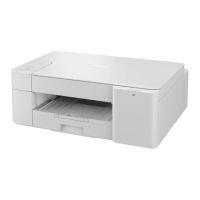
Related Models: DCP-T420W/DCP-T425W/DCP-T426W/DCP-T428W
1. Do one of the following:
• Android
™
Devices
Go to your model's Downloads page at
support.brother.com to download Brother iPrint&Scan.
• All iOS supported devices including iPhone, iPad and iPod touch
Download and install Brother iPrint&Scan from the App Store.
2. Start Brother iPrint&Scan, and then follow the on-screen instructions to connect your mobile device to your
Brother machine.
Related Information
• Use the Wireless Network
107



 To Next Page
 Loading...