Home > Security > Use SSL/TLS
Use SSL/TLS
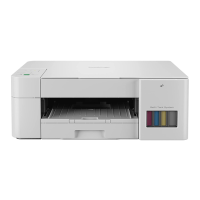
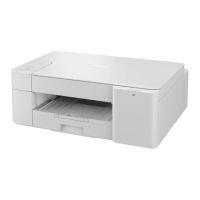
Related Models: DCP-T420W/DCP-T425W/DCP-T426W/DCP-T428W
• Introduction to SSL/TLS
• Manage Your Network Machine Securely Using SSL/TLS
• Print Documents Securely Using SSL/TLS
• Configure Certificates for Device Security
136







 To Next Page