Scan Using Your Computer
36
5
Using DSmobileCapture (for Macintosh)
a Connect the supplied Micro USB Cable to the Micro USB port on your scanner. Connect the cable to
your computer.
b Double-click the DSmobileCapture shortcut on your desktop.
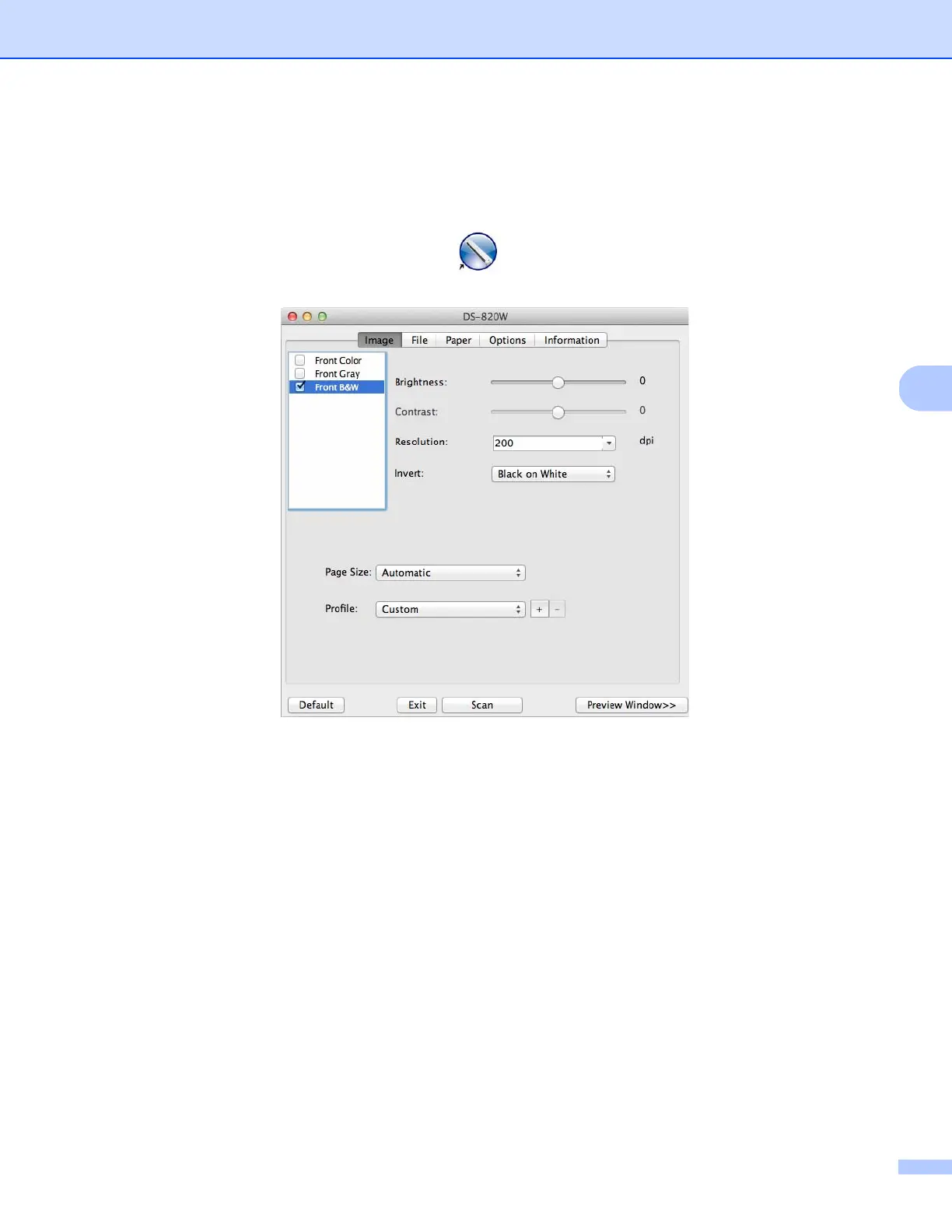
c DSmobileCapture launches.
d Change the scanning settings, if needed.
For more information on changing settings, see Changing DSmobileCapture scan settings (for
Macintosh) on page 37.
e Insert a document into your scanner.
f Click Scan in the DSmobileCapture screen or press the scanner’s Start / OK button when the document
is set.
Your scanner starts scanning. The scanned image will be saved in the directory you specified in step 4.
Check the scan result just in case.











 To Next Page