Changing Settings Using Your Browser
64
10
Reset network settings
You can restore any settings you changed via Wi-Fi
®
connection (Wi-Fi
®
AP Setting and Password Setup)
to the factory settings.
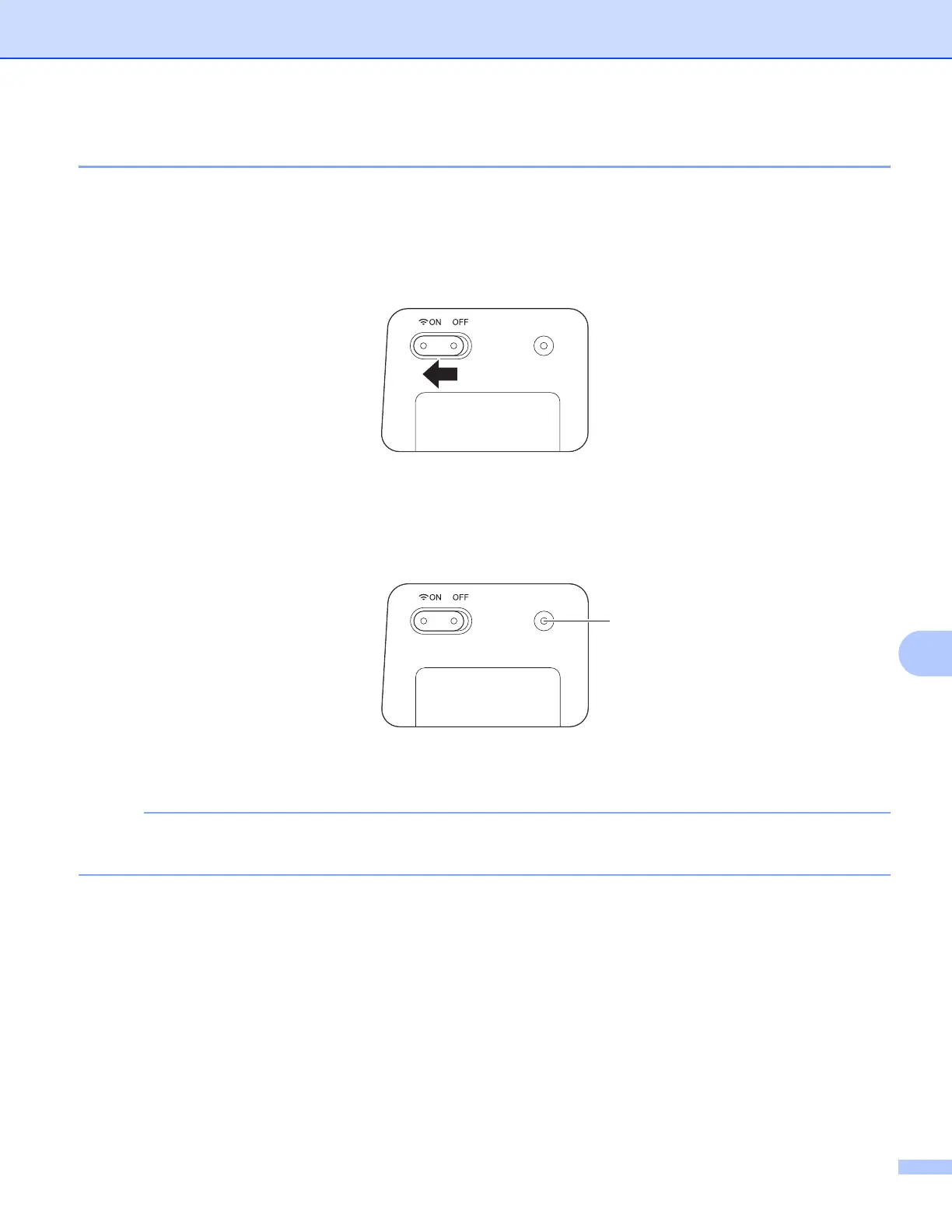
a Confirm that the scanner is turned on.
b Set the Wi-Fi
®
switch to ON.
Wait about 40 seconds until the Wi-Fi
®
indicator turns from red to blue.
When your scanner makes a connection to your access point the Wi-Fi
®
indicator starts blinking blue.
c Press and hold the scanner’s reset button (1) using a pointed object, such as a needle or a fine-point
pen for 10 seconds.
d Release the reset button. The Wi-Fi
®
indicator will turn red and the Wi-Fi
®
network settings will be
restored to the factory settings.
NOTE
When you press the reset button, the settings controlled by the buttons on the control panel will not be
restored to the factory settings and the scanned images on the SD card will not be deleted.
(1)











 To Next Page