Wi-Fi
®
Connection
52
6
Enabling Wireless Access Mode (for smartphone, tablet, etc.)
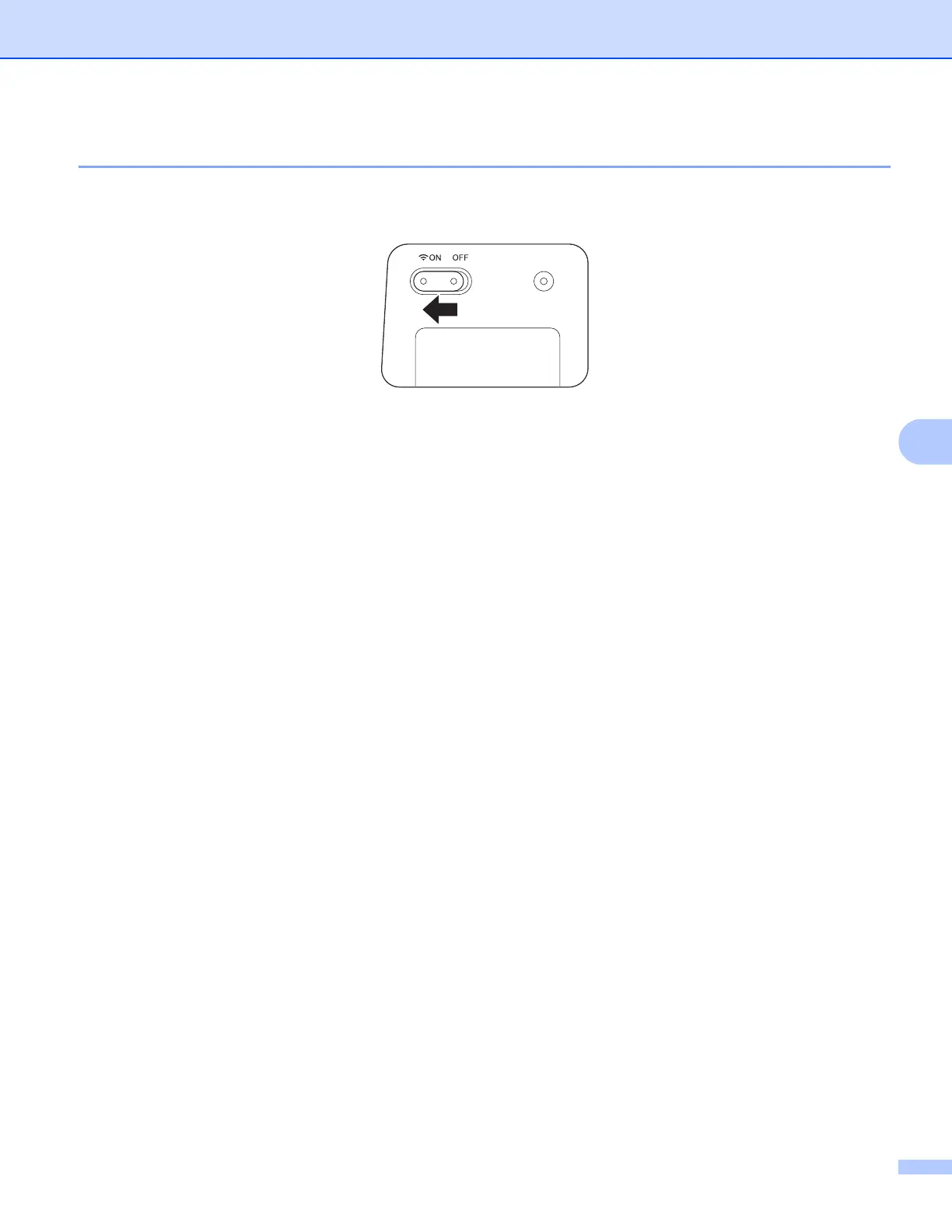
a Set the Wi-Fi
®
switch to ON.
Wait for about 40 seconds until the Wi-Fi
®
indicator turns from red to blue.
b Activate the Wi-Fi
®
function of your wireless device (computer, smartphone, tablet, etc.) to select the
scanner.
For more information, see the instructions provided with your wireless device.
c Select the scanner’s SSID. The default SSID is Brother DS-820W-xxxx (Brother DS-920DW-xxxx)
(xxxx shows the last four digits of your scanner’s MAC address (twelve-digits). The address is printed on
your product label.).







 To Next Page