71
12
12
IMPORTANT
Do not use any solvents or corrosive liquid, such as alcohol, kerosene, etc., to clean any part of the
scanner, or the plastic may be permanently damaged.
Cleaning the outside of your scanner
To prevent dust accumulation, we recommend cleaning the exterior of your scanner periodically.
a Remove the Micro USB Cable from both your scanner and your computer.
b Wipe the outside of the scanner with a dry, soft, lint-free cloth.
If necessary, wipe the exterior with a cloth lightly dampened with water or diluted detergent, and finish
with a dry cloth.
c Reconnect the Micro USB Cable to your scanner and your computer.
Cleaning the inside of your scanner
To maintain the scanned image quality, clean the interior of your scanner periodically. If vertical lines or
stripes appear on scanned images, this indicates that it is time to clean your scanner.
a Remove the Micro USB Cable from both your scanner and your computer.
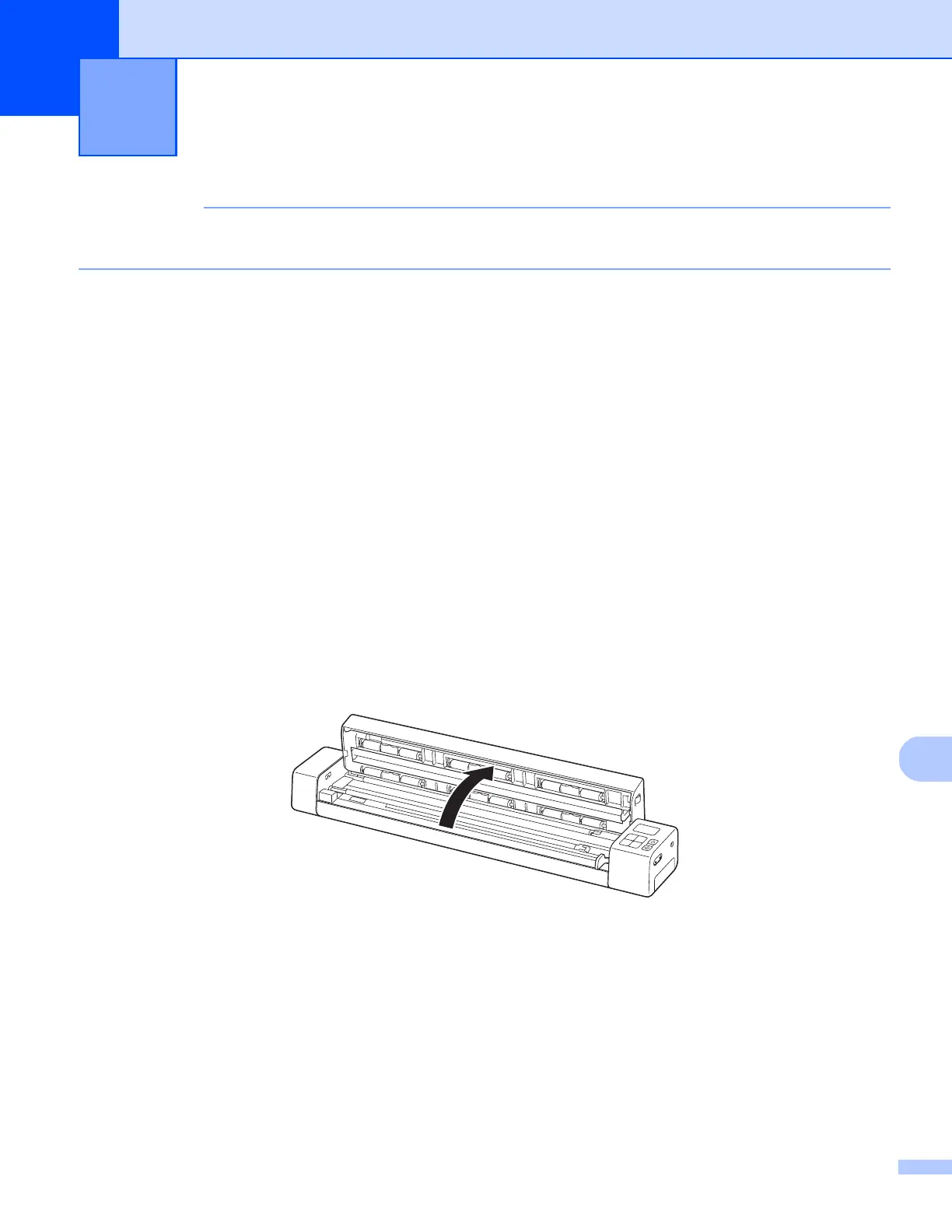
b Open the scanner’s top cover.
Scanner Maintenance 12











 To Next Page