Scanner Calibration
66
11
e Press the Start / OK button.
f The scanner starts feeding the calibration sheet. The Power button LED blinks green.
g After the calibration sheet is ejected, OK appears on the LCD and calibration is finished.
Calibration using software (for Windows
®
)
a Double-click the DSmobileCapture shortcut on your desktop.
b The Select Scanner Model dialog box appears. Select TWAIN under Driver Type, select Brother DS-
820W (DS-920DW) under Scanner Model, and then click OK.
c DSmobileCapture launches.
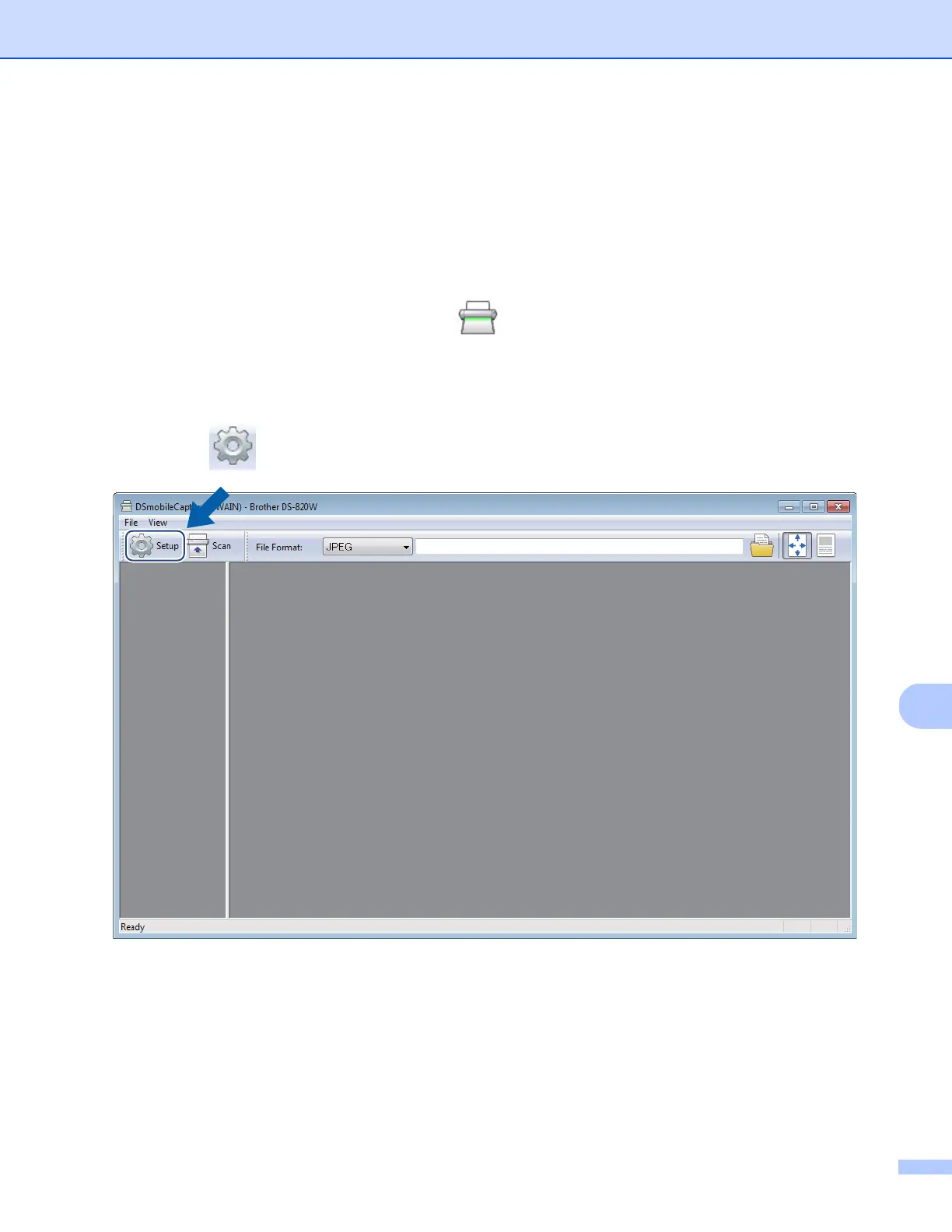
d Click Setup .











 To Next Page