Wi-Fi
®
Connection
51
6
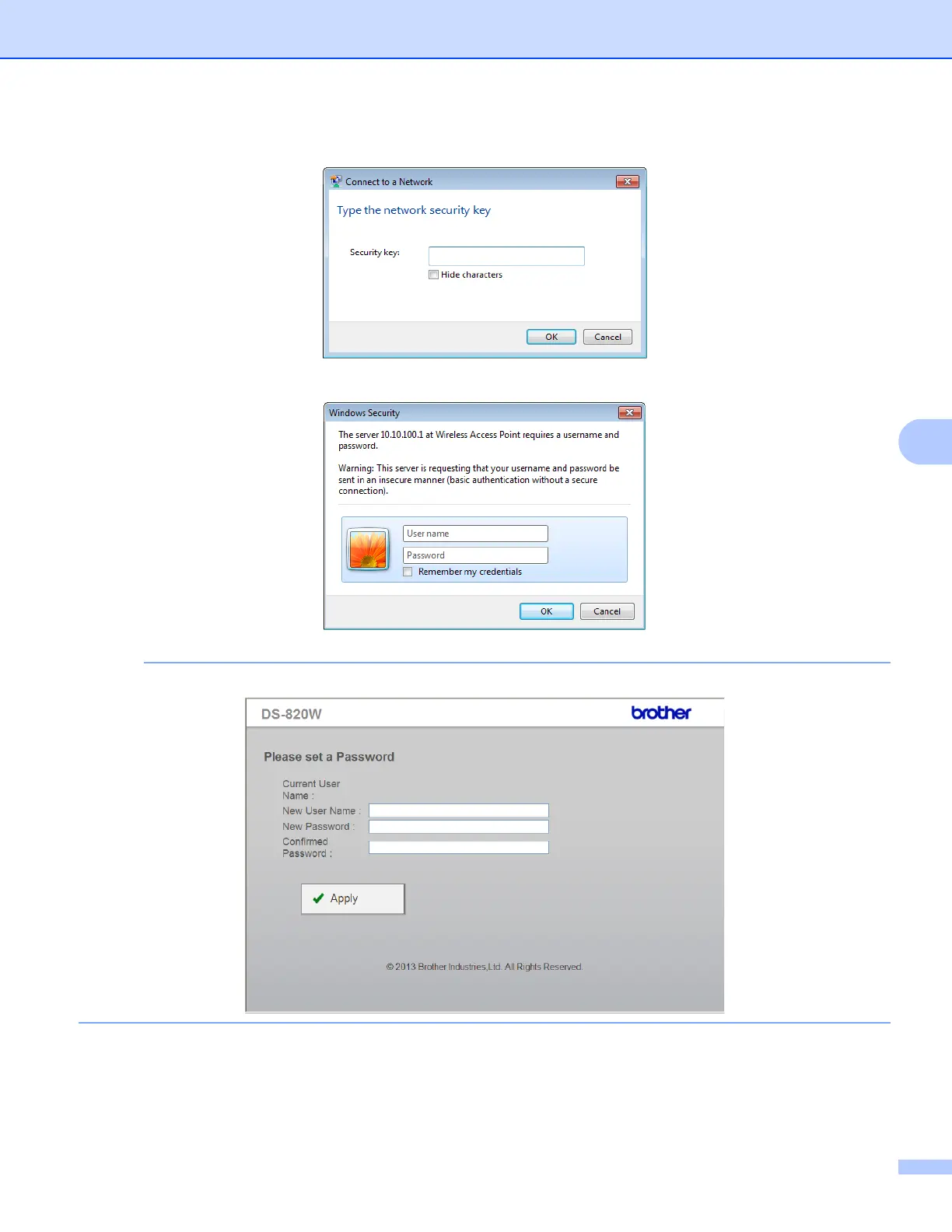
f Enter Security key (Passkey) referring to the label at the bottom of the product.
g In the confirmation screen, type a User Name and Password.
NOTE
The first time you access the device, you will be prompted to enter a user ID and password.
h Click OK. Your computer or mobile device is now connected to the scanner, and the scanner is set to
Wireless access Mode.
i To access the scanner’s web page, open a new browser page on your computer and type
http://10.10.100.1 in the address bar.







 To Next Page