vii
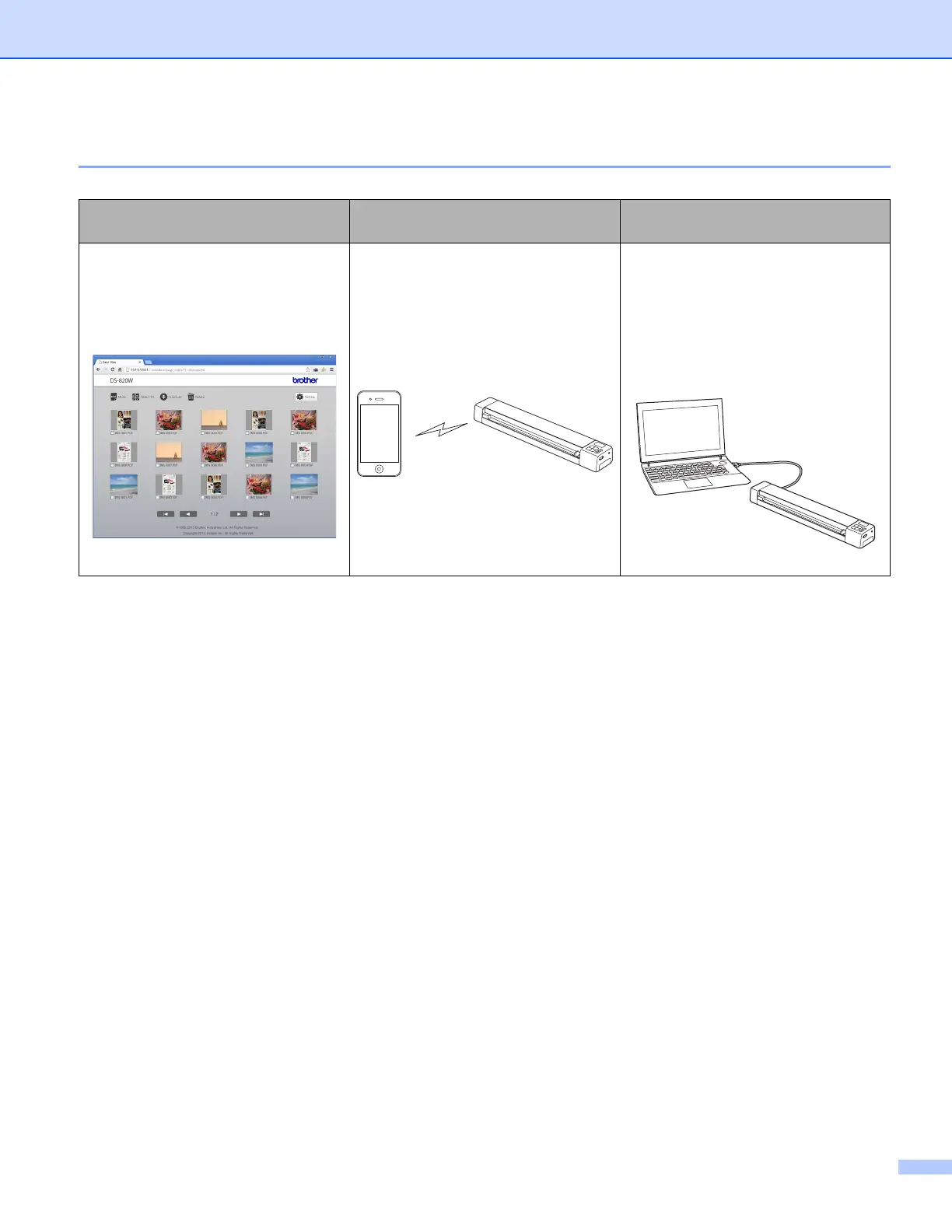
Accessing scanned images stored on the SD card
View in the browser
View on an Android™ or iOS mo-
bile device
View on your computer via the USB
connection
Access scanned images stored on the
SD card via the web browser of a
wireless LAN tablet or your computer.
For more information, see Using your
web browser on page 58.
Access scanned images stored on the
SD card via ScanHub™. For more in-
formation, see Using ScanHub™ (An-
droid™) on page 62 or Using
ScanHub™ (iOS) on page 62.
Access and view scanned images
stored on the SD card from your com-
puter when it is connected to your
scanner via the supplied Micro USB
Cable. For more information, see Us-
ing the USB connection between your
scanner and computer on page 61.











 To Next Page