62
8
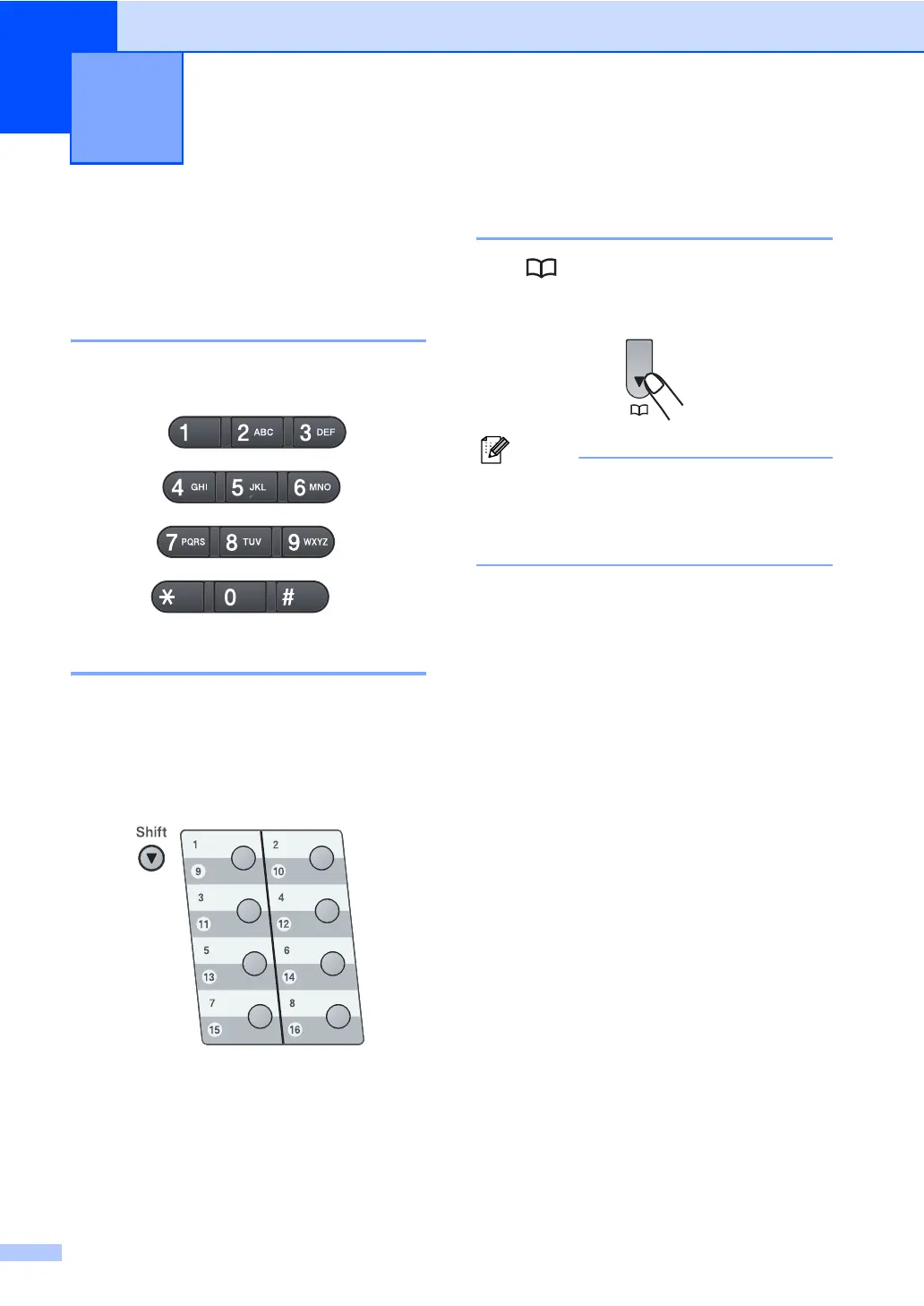
How to dial 8
You can dial in any of the following ways.
Manual dialling 8
Use the dial pad to enter all the digits of the
telephone or fax number.
One touch Dialling 8
Press the One Touch key that stores the
number you want to call. (See Storing
One Touch Dial numbers on page 63.)
To dial One Touch numbers 9 to 16, hold
down Shift as you press the One Touch key.
Speed dialling 8
Press and then the three digit Speed Dial
number. (See Storing Speed Dial numbers
on page 64.)
Note
If the LCD shows Register Now? when
you enter a One Touch or a Speed Dial
number, it means that a number is not
stored there.
Dialling and storing numbers 8




 To Next Page