82
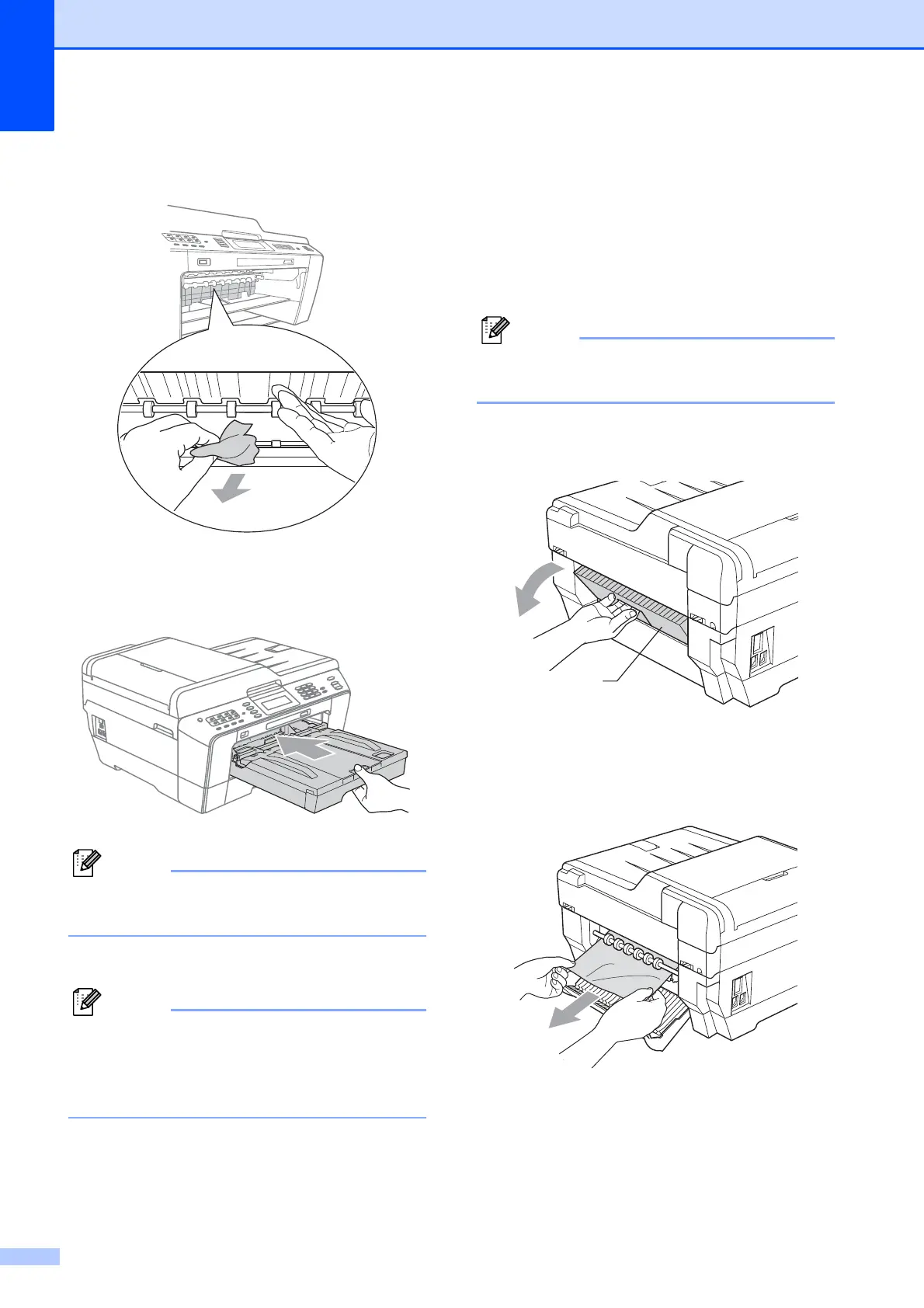
d Lift the Jam Clear flap, and remove the
jammed paper.
e Put the paper tray firmly back in the
machine.
Make sure you pull out the paper support
until it clicks.
f Re-connect the power cord.
If there is a repeat paper jam, a small
piece of paper may be stuck in the
machine. (See Additional paper jam clear
operations on page 86.)
Paper is jammed at the back of the
machine
B
If the LCD shows Paper Jam [Rear],
follow these steps:
a Unplug the machine from the AC power
outlet.
Make sure you remove paper from the
manual feed slot, and then close it.
b Open the Jam Clear Cover (1) at the
back of the machine.
c Pull the jammed paper out of the
machine.
1



 To Next Page
 Loading...











