86
Sewing
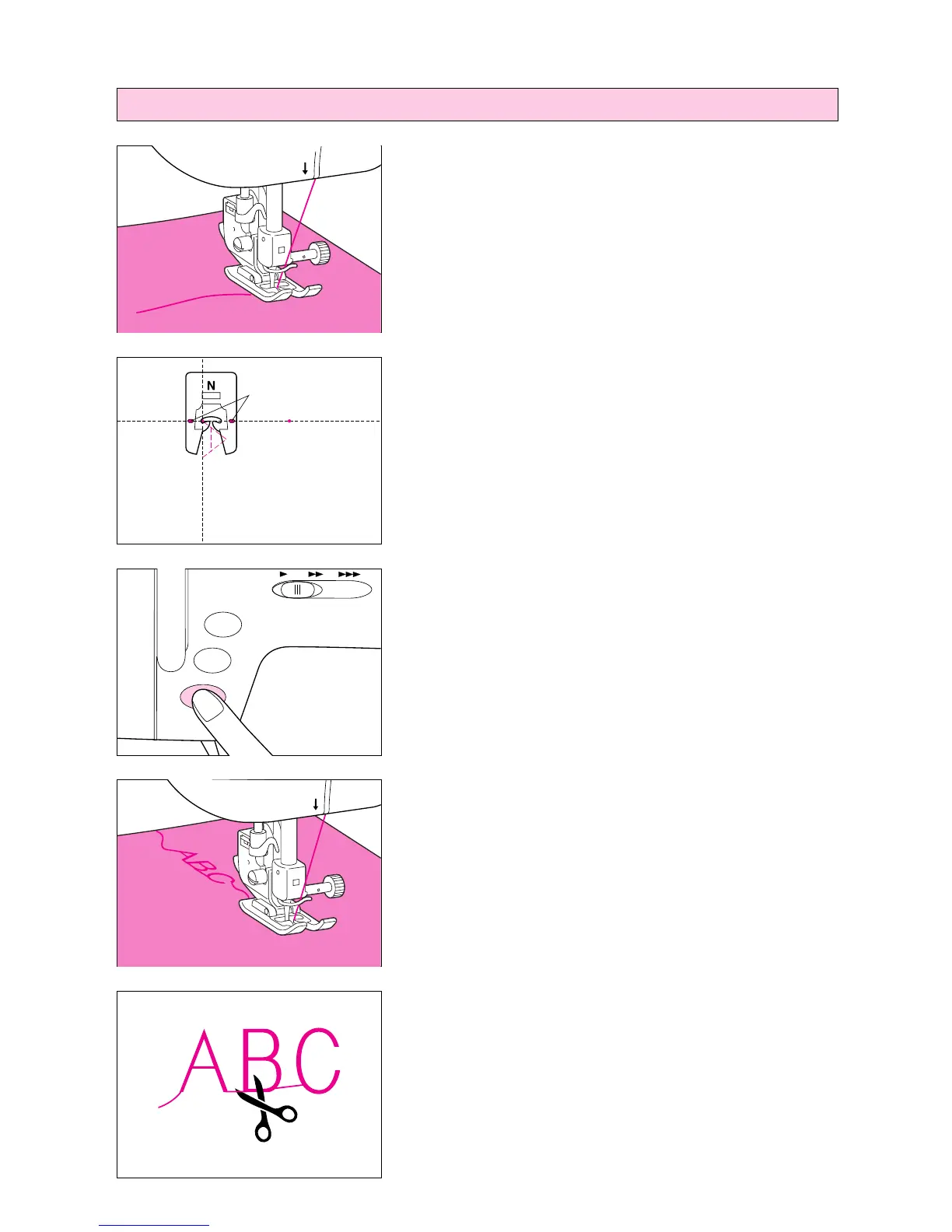
1. Attach presser foot “N”.
2. Place the fabric under the presser foot, pull the upper thread
out to the side and then lower the presser foot.
* Be sure that the material is positioned so that pattern will be
sewn facing the correct direction.
1 Needle hole reference line
3. Push the “START/STOP” button to start sewing.
6
5
4. Once sewing of the font has been completed, the sewing
machine will automatically sew reinforcement stitches, and then
stop.
When sewing continuous patterns, push the “START/STOP” but-
ton to stop the sewing machine, then push the “REVERSE
STITCH” button to sew reinforcement stitches.
5. When sewing is completed, trim any excess thread.
1
6
5




 To Next Page