18
Tutorial
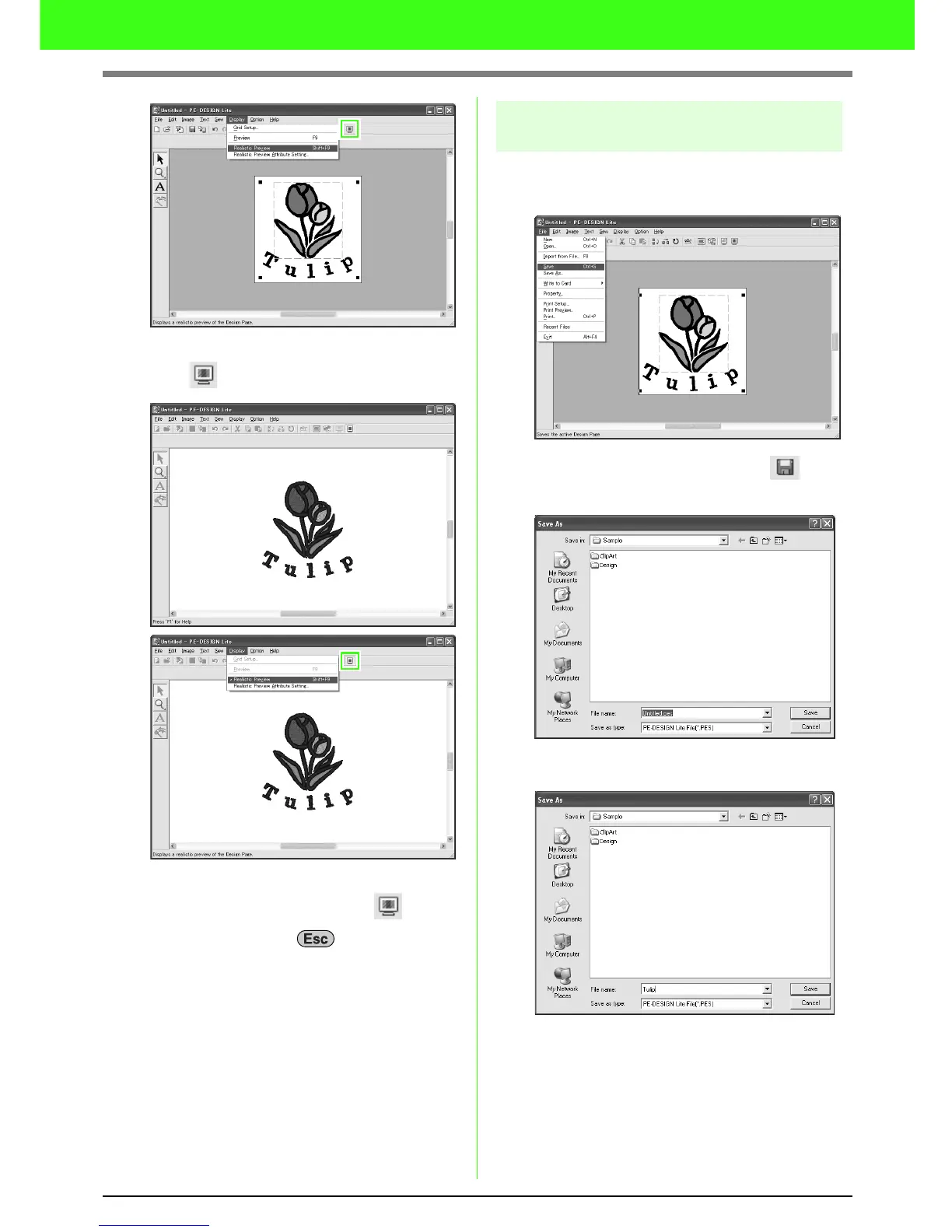
Click Display, then Realistic Preview, or
click on the toolbar.
To return to the normal view, click Display,
then Realistic Preview, or click on the
toolbar , or press the key.
Step 8 Saving the embroidery
design
Once the embroidery design is finished, you may
want to save it in order to retrieve it later.
Click File, then Save, or click on the
toolbar.
Select the drive and the folder, and then type
in the file name.
Click Save.



 To Next Page
 Loading...



