30
Arranging Embroidery Designs
Saving the Image Data
The image can be saved as a file or output to the Clipboard.
■ Saving as a file
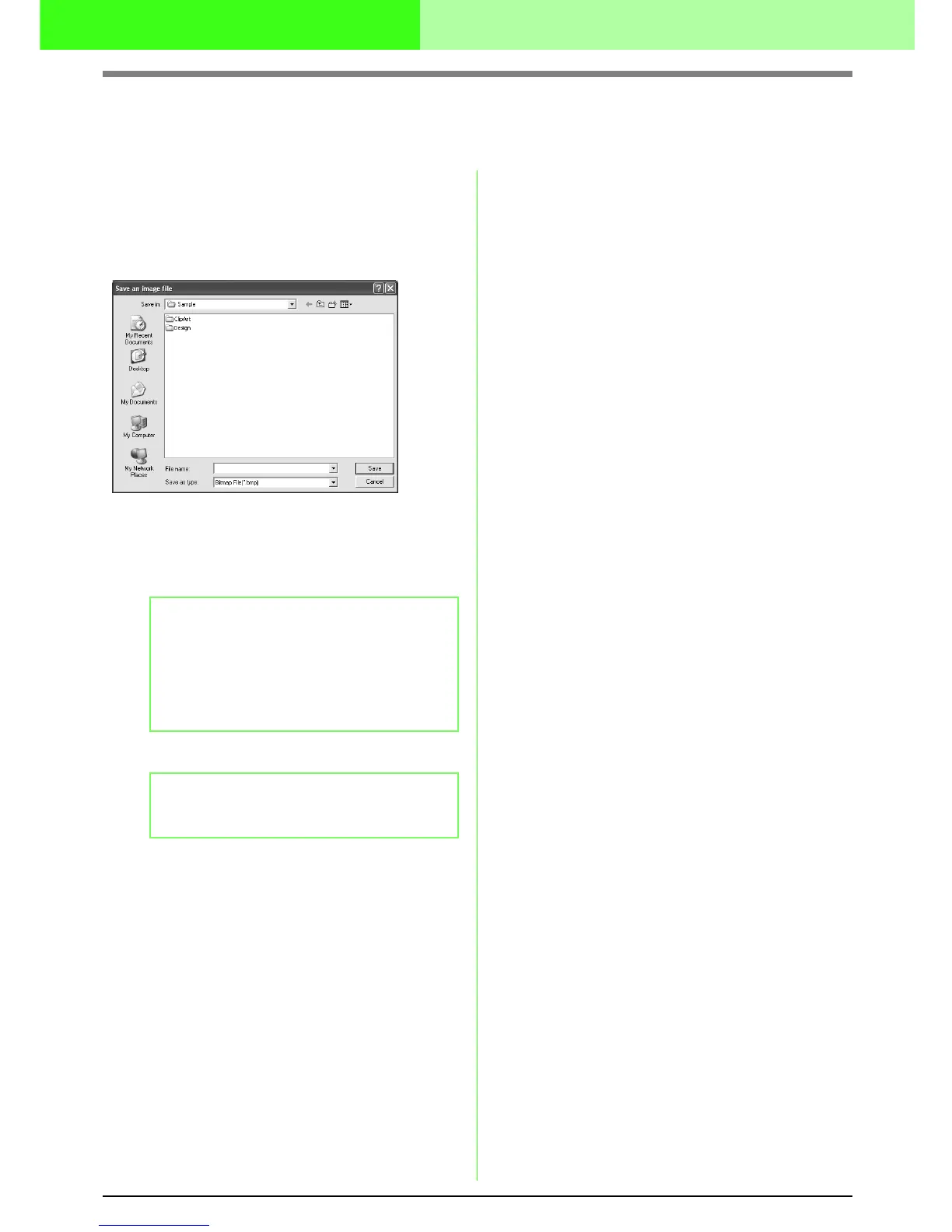
1. Click Image, then Output, then to File.
→
A dialog box similar to the one shown below
appears.
2. Select the drive, the folder and the format in
which you want to save the image data.
3. Type in the file name.
4. Click Save to save the data.
■ Outputting to the Clipboard
1. Click Image, then Output, then to Clipboard.
→ The image data in the Design Page is
copied onto the Clipboard.
b Memo:
• The correct extension is automatically
selected.
• The image data can be saved in either of
the following formats: Windows bitmap
(.bmp), Exif (.jpg).
b Memo:
To quit the operation, click Cancel.



 To Next Page
 Loading...



