162
Custom patterns can be created from color illustrations.
You can create patterns by scanning an illustration using
the included scanning frame* or importing an image from
USB media or computer.
* The scanning frame is an optional accessory in some
countries or regions.
Recommended illustrations for Illustration Scan
• Illustrations that are clearly drawn, with no
gradation, fading or blurriness.
• Illustrations that are at least a 5 mm (13/64 inch)
square
• Illustrations that are extremely simple images
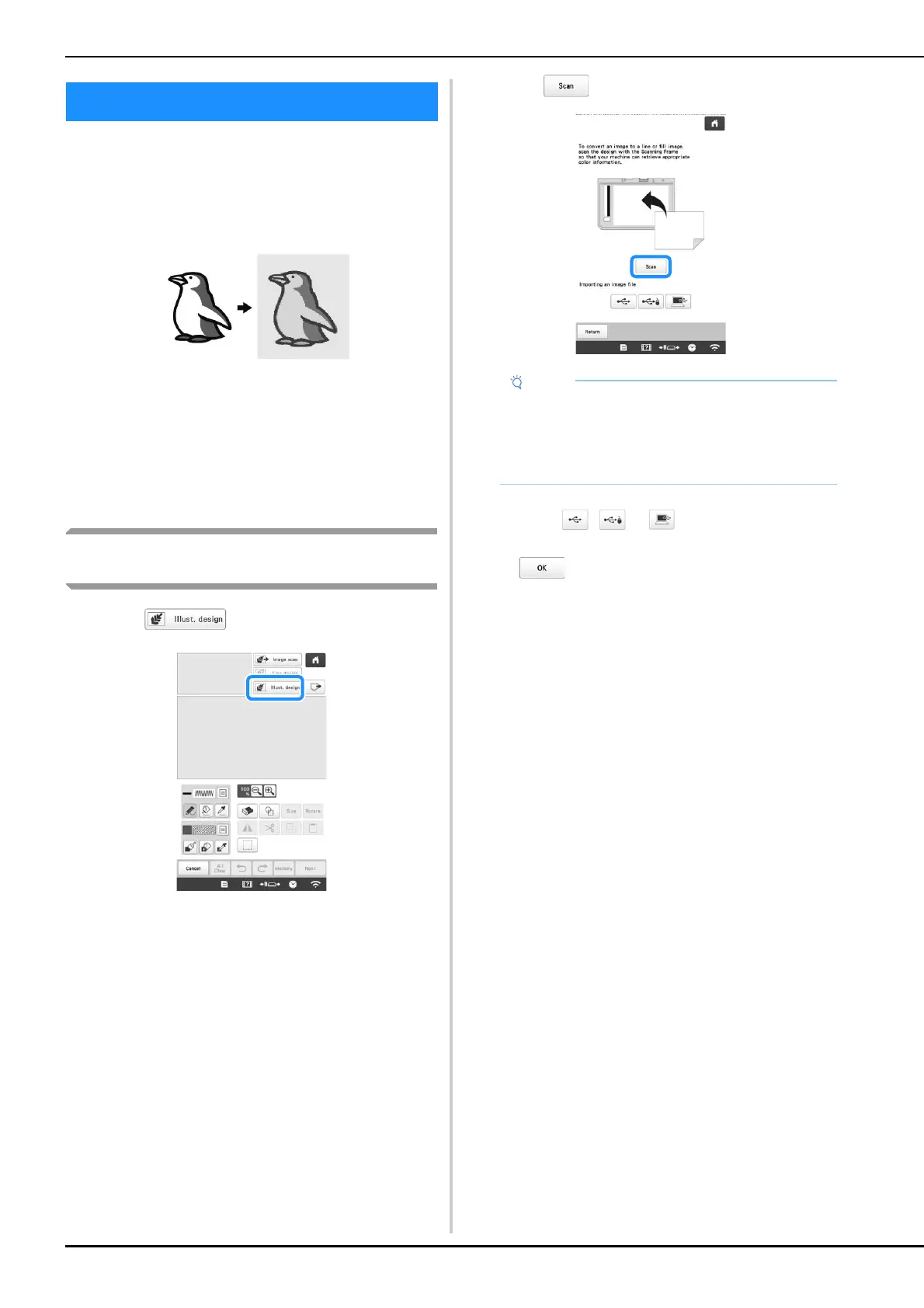
Using the scanning frame to create a pattern
with Illustration Scan
a
Touch .
• When the background image has already imported,
continue with step
c.
• When the background image has not imported,
continue with step
b.
b
Touch .
* To import an image from USB media or computer,
touch , or . (page 159)
When the message to start scanning appears, touch
.
Scanning starts.
ILLUSTRATION SCAN
• When scanning starts, some of the machine lights
will turn off in certain circumstances, in order to
increase the scan quality. The machine lights will
return to their original brightness when scanning
ends.



 To Next Page
 Loading...










