BASIC EMBROIDERY
39
2
g
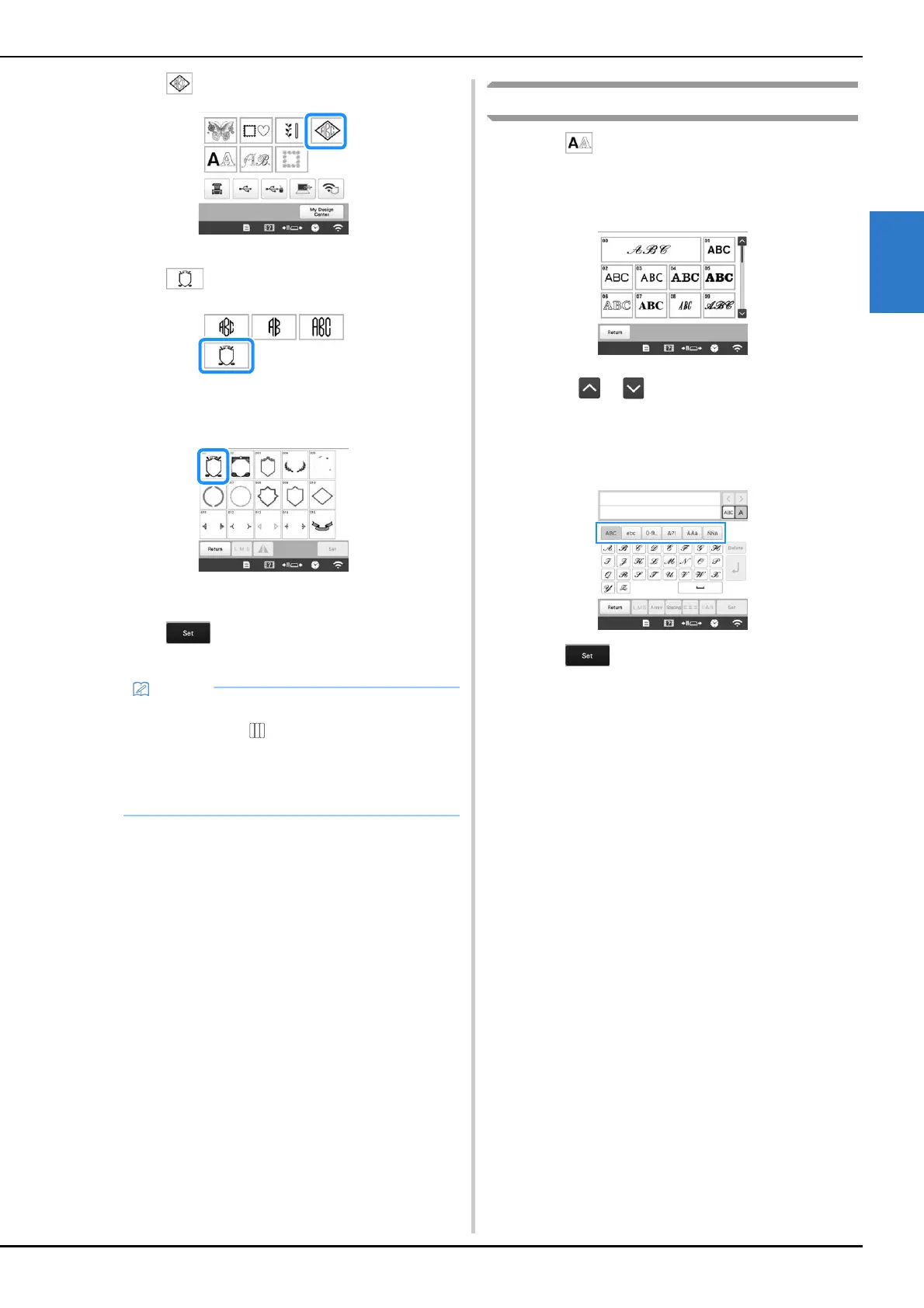
Touch .
The design selection screen appears.
h
Touch .
The list of frame patterns appears.
i
Touch the desired pattern.
The selected frame pattern appears in the pattern
display area.
j
Touch .
The pattern editing screen appears.
k
Follow the procedure from step e to l of
“Embroidery patterns” on page 36.
Character patterns
a
Touch .
b
Touch the desired character font.
• Touch or for additional selections.
The text input screen appears.
c
Select the character category and then type in the text.
(page 40)
d
Touch .
The pattern editing screen appears.
e
Follow the procedure from step e to l of
“Embroidery patterns” on page 36.
• Due to size or shape, some frame patterns cannot
be used with the design.
• The frame patterns are just some of the patterns
that can be used. Character patterns other than the
3-letter monogram patterns can be used in the
combination.















 To Next Page