GETTING READY
31
1
e
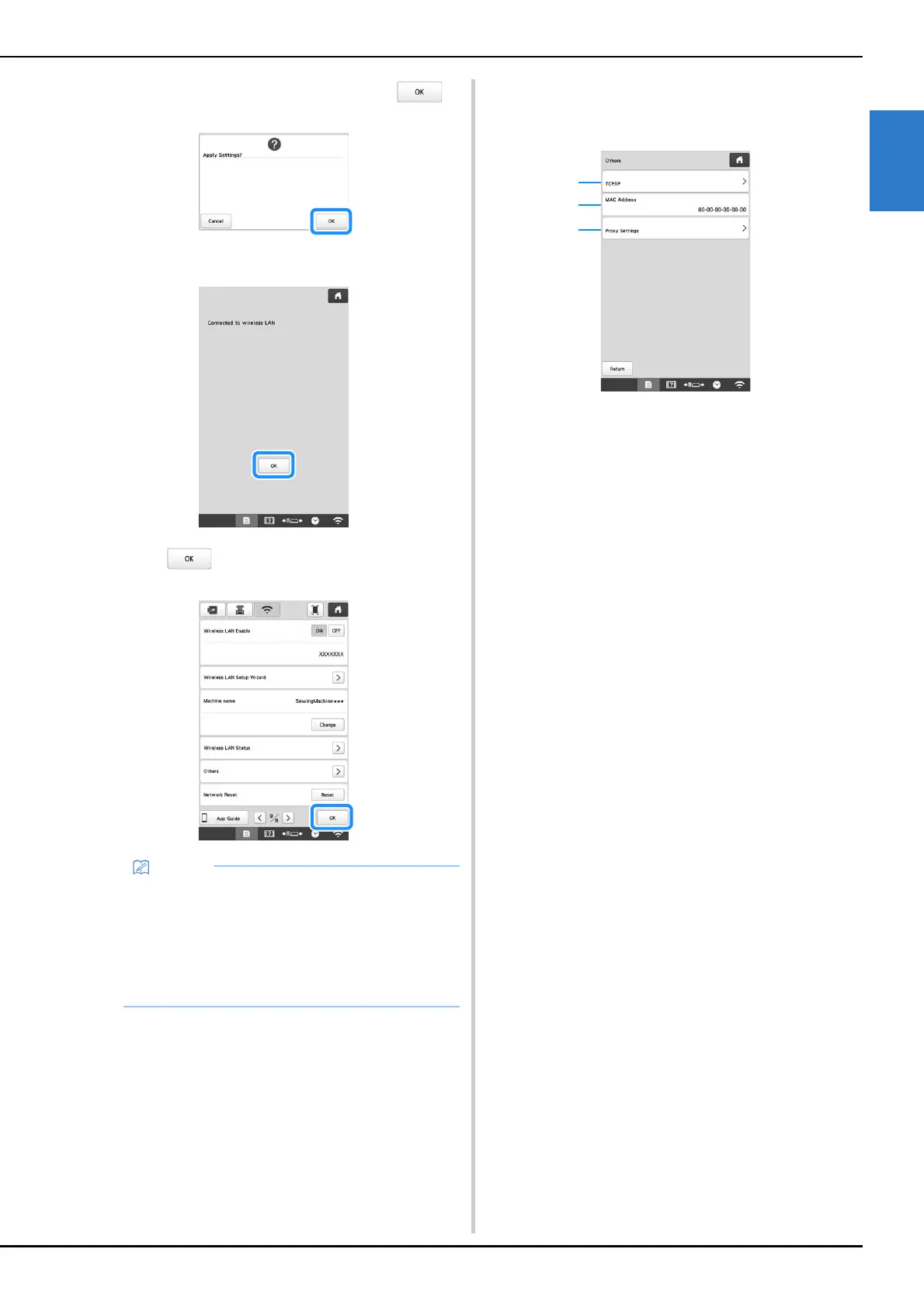
When the following message appears, touch .
When a connection is established, the following
message appears.
f
Touch to exit the setup.
■ Using the [Others] menu to set up the wireless
network connection
The [Others] menu contains the following items.
1 TCP/IP settings can be manually entered.
2 Shows the MAC address.
3 Use when proxy settings are required.
• While connected, the signal strength is indicated
by the icon in the lower-right corner of the display.
• Once a wireless network connection has been set
up, a connection will be established each time the
machine is turned on. However, [Wireless LAN
Enable] in the network settings screen must remain
set to [ON].















 To Next Page