BASIC EMBROIDERY
43
2
b
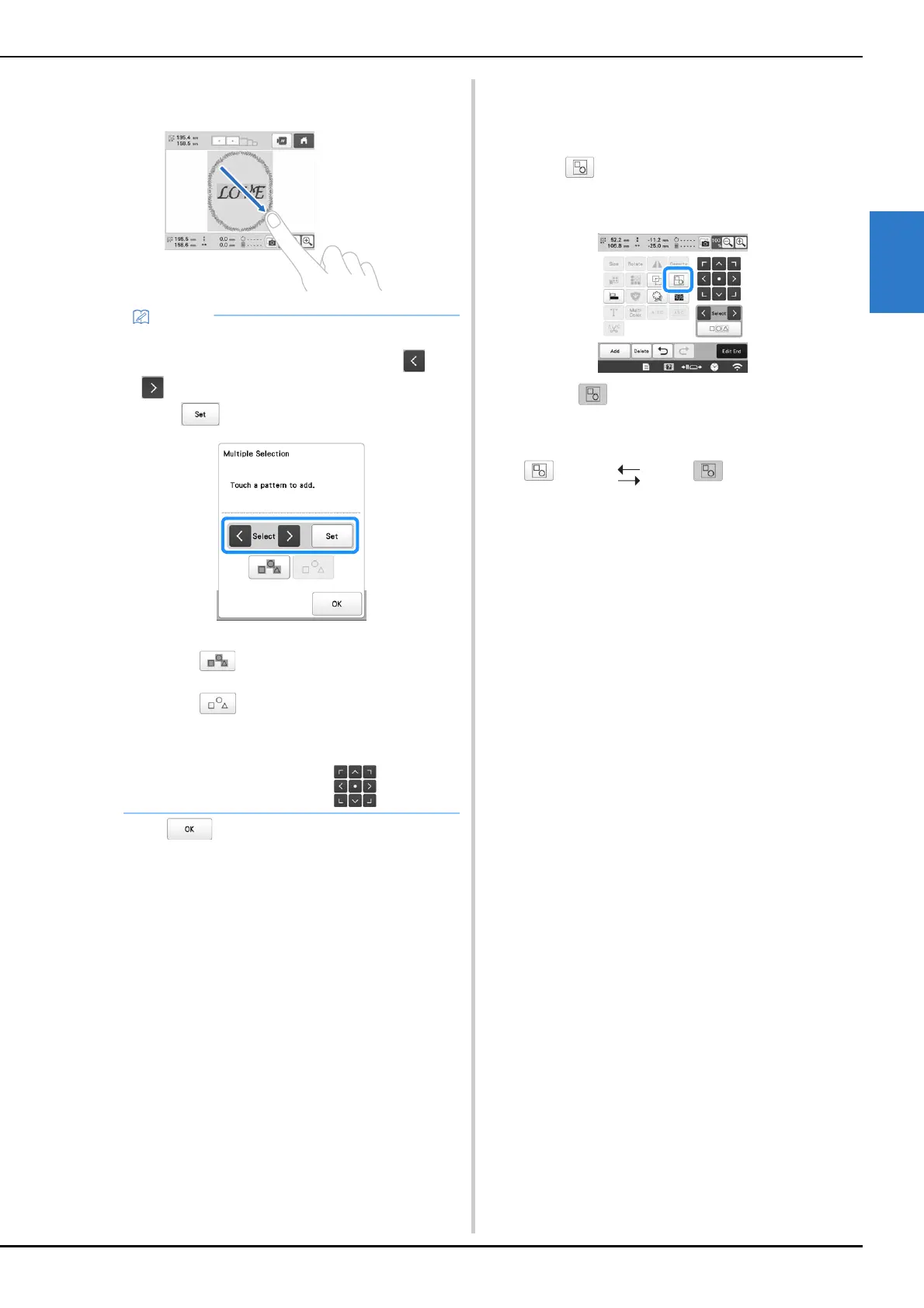
Select the multiple patterns by dragging your finger in
the screen to create a box around the desired patterns.
c
Touch to return to the pattern editing screen.
• The multiple selected patterns are surrounded with a
red box.
■ Grouping multiple selected patterns
If the multiple patterns selected in “Selecting multiple
patterns at the same time” on page 42 are grouped, they
can be edited as a single pattern.
a
Touch .
The selected patterns are grouped.
• Touch to ungroup the patterns. If there are
multiple grouped patterns, the selected pattern group
is ungrouped.
• Multiple patterns can be selected or deselected
from the multiple selection screen. Touch or
to check the patterns to be selected, and then
touch .
The selected pattern is surrounded with a red box.
- Touch to select all patterns in the pattern
display area.
- Touch to deselect all selected patterns.
- The patterns can also be selected by touching
them in the screen.
- While the multiple selection screen is displayed,
patterns can be moved with .
Ungrouped Grouped















 To Next Page