Introduction
6
1
Remote Print (Google Cloud Print) 1
Remote Print function is based on Google Cloud Print. Google Cloud Print is a service offered by Google
that allows you to print to your printer remotely.
To configure your Brother machine for printing using Google Cloud Print, download the Google Cloud Print
Guide from your model's Manuals page on the Brother Solutions Center at http://solutions.brother.com/
.
Your Brother Machine must support Google Cloud Print.
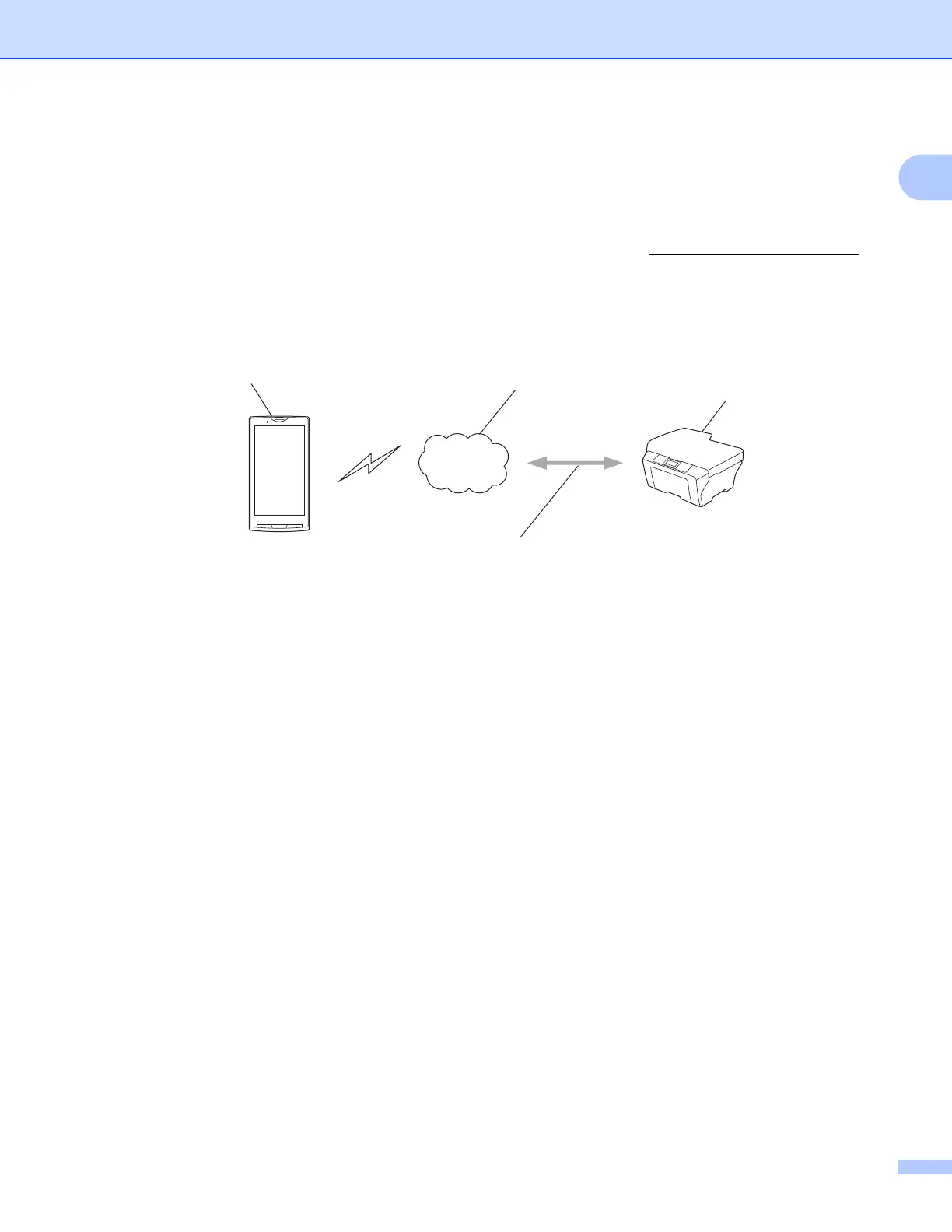
If your Brother machine supports Google Cloud Print, your machine connects directly to the Google Cloud
Print server.
1 Mobile device
2 Internet
3 Your Brother machine
4 Wired or wireless network connection



 To Next Page
 Loading...


