Printing
11
2
Printing documents 2
You can print documents saved on your mobile device’s memory card.
The following file formats are supported:
PDF
Microsoft
®
Word (DOC/DOCX)
Microsoft
®
Excel
®
(XLS/XLSX)
Microsoft
®
PowerPoint
®
(PPT/PPTX)
Text
• Password-protected documents cannot be printed.
• Some encrypted PDF files cannot be printed.
• When printing a PDF file that uses fonts that are not embedded in the file, characters may be replaced with
characters of a different font or may be garbled.
• When printing a PDF that includes transparent objects, the transparency setting will be ignored and the
file will be printed with that setting off.
a Make sure the memory card has been inserted into the mobile device.
b Open the Launcher on the mobile device.
c Tap the Brother iPrint&Scan icon.
When the license agreement screen appears, carefully read and accept the terms of the agreement.
d Tap Document Print.
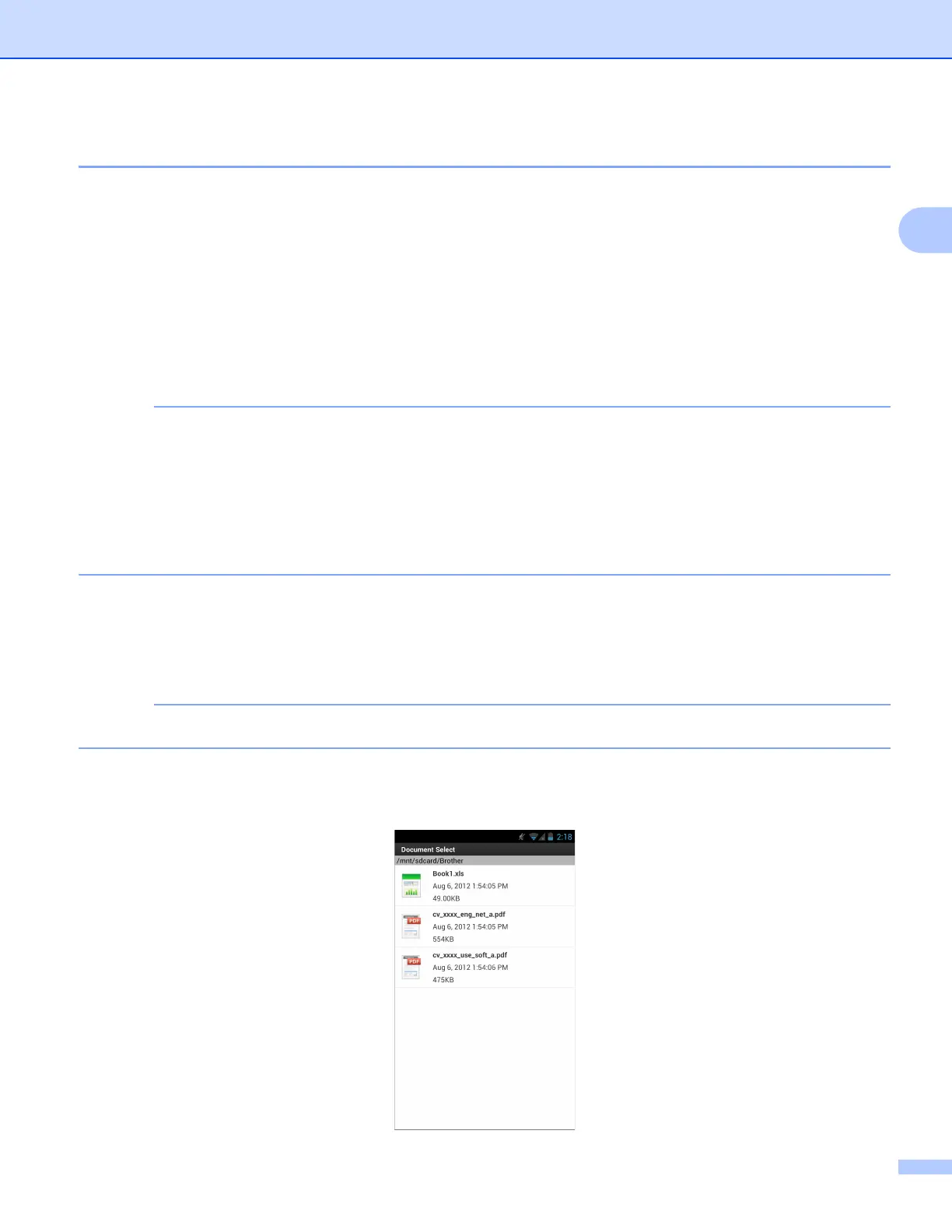
e The document list is displayed. Tap the name of the document that you want to print.



 To Next Page
 Loading...


