Printing
105
8
Printing photos from other applications 8
Photos can be printed directly from pre-installed applications on your mobile device using Brother
iPrint&Scan. For example, you can print photos that are saved in your mobile device's Pictures hub.
You cannot print photos from third-party applications.
a Use the desired application to select the photo that you want to print, and share the photo with Brother
iPrint&Scan. For example, from the Pictures hub you can share a photo by tapping the sequential dots
( ), and then tapping apps... If the list of applications appears, select Brother iPrint&Scan.
• If apps... is not displayed though you have already downloaded Brother iPrint&Scan, your Brother
iPrint&Scan may be the old version. Download the latest version from the Windows Phone
®
Store
(Windows Phone
®
Marketplace).
• When the license agreement screen appears, carefully read and accept the terms of the agreement.
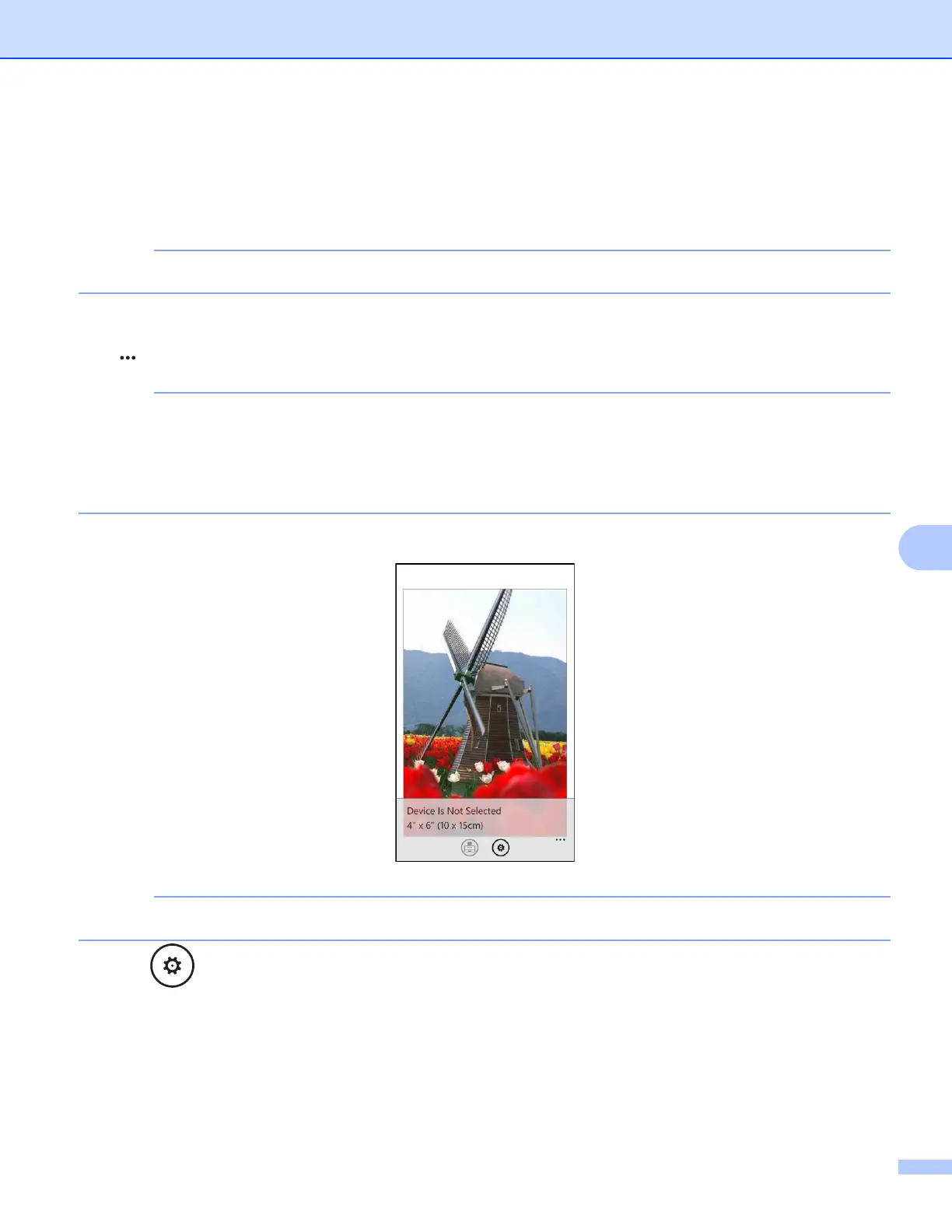
b A print preview will be displayed. Confirm the image on the print preview screen.
Tap the upper portion of your mobile devices screen to show or hide the operation buttons.
c Tap .



 To Next Page
 Loading...


