Printing
57
5
Adding a bookmark to a web page 5
If you add a bookmark to your favorite web page, you can access the web page simply by tapping the
bookmark.
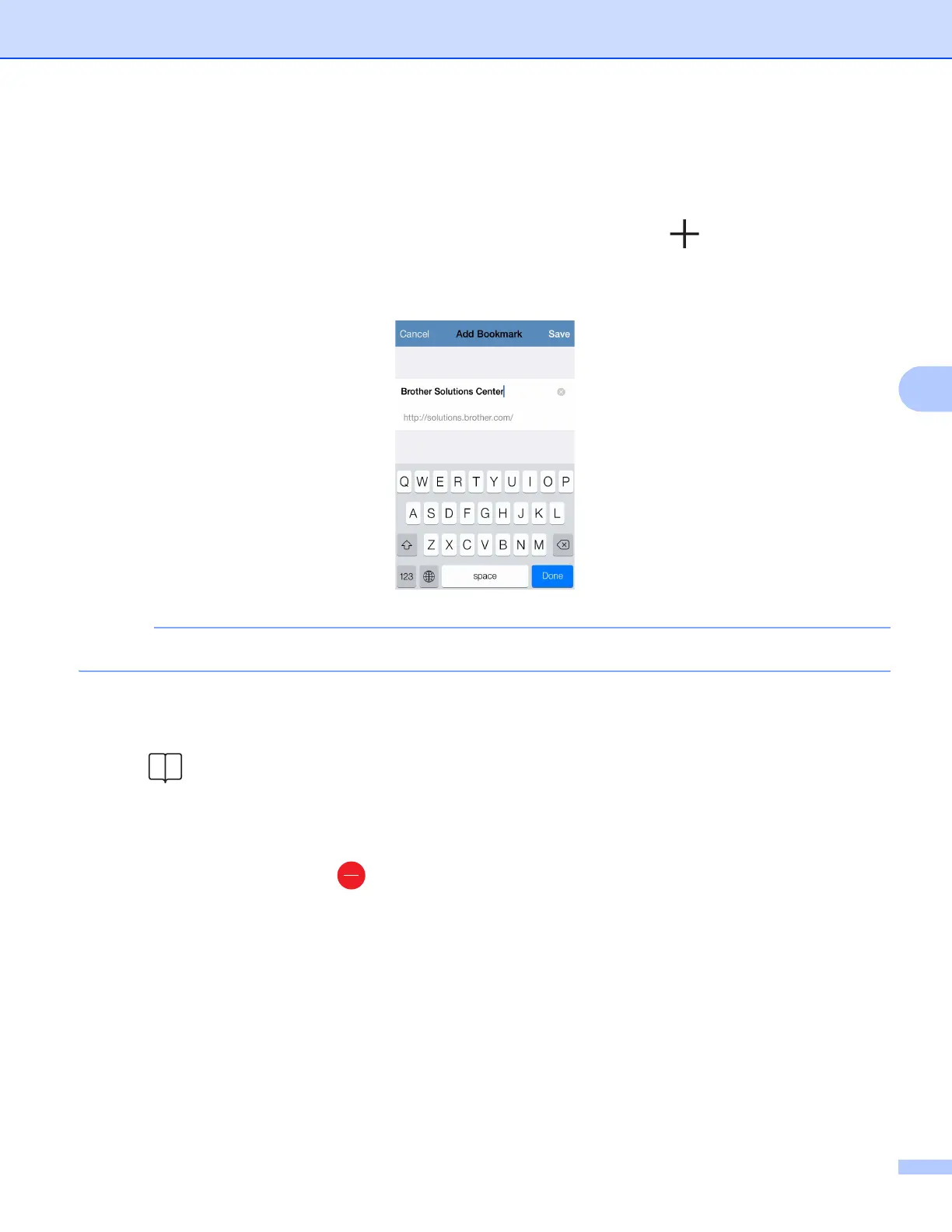
a When the web page that you want to add a bookmark to is displayed, tap .
b Tap Save.
You can change the title. However, the bookmark title cannot be blank.
Editing bookmarks 5
You can edit the bookmarks.
a Tap .
b Tap Edit.
c Do one of the following:
To delete a bookmark, tap on the left side of the title, and then tap Delete on the right side of the
title.



 To Next Page
 Loading...


