Printing
101
8
Printing photos taken with Brother iPrint&Scan 8
If the mobile device features a camera, photos can be taken using Brother iPrint&Scan and printed directly.
a Display the list of applications on your mobile device and tap the Brother iPrint&Scan icon.
b Tap Camera.
c Use the device to take a photo.
d The photo is displayed.
Do one of the following:
To print the photo, tap accept, and then go to step e.
To retake the photo, tap retake, and then go back to step c.
The procedure used to handle a photo may vary by device.
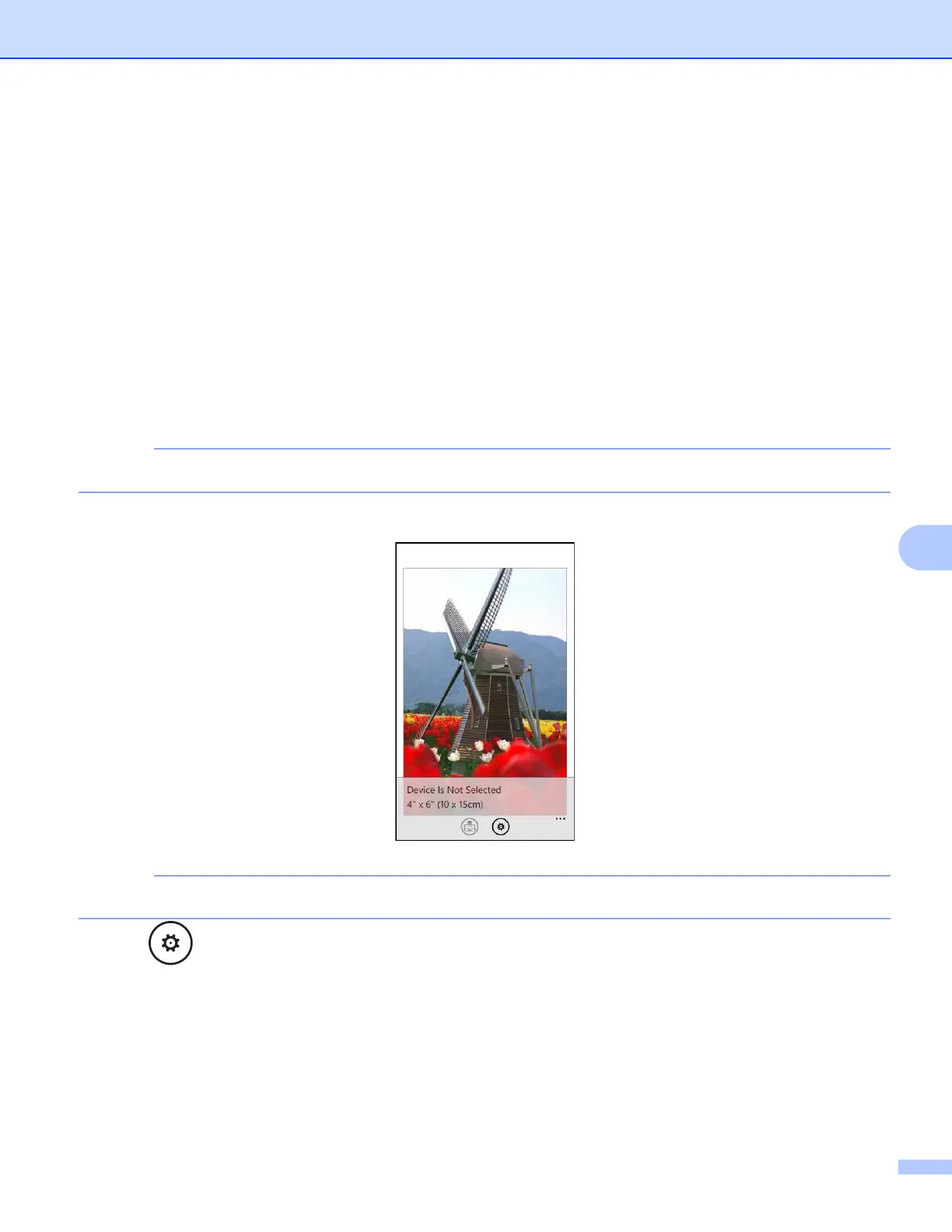
e Confirm the image on the print preview screen.
Tap the upper portion of your mobile devices screen to show or hide the operation buttons.
f Tap .



 To Next Page
 Loading...


