Printing
25
2
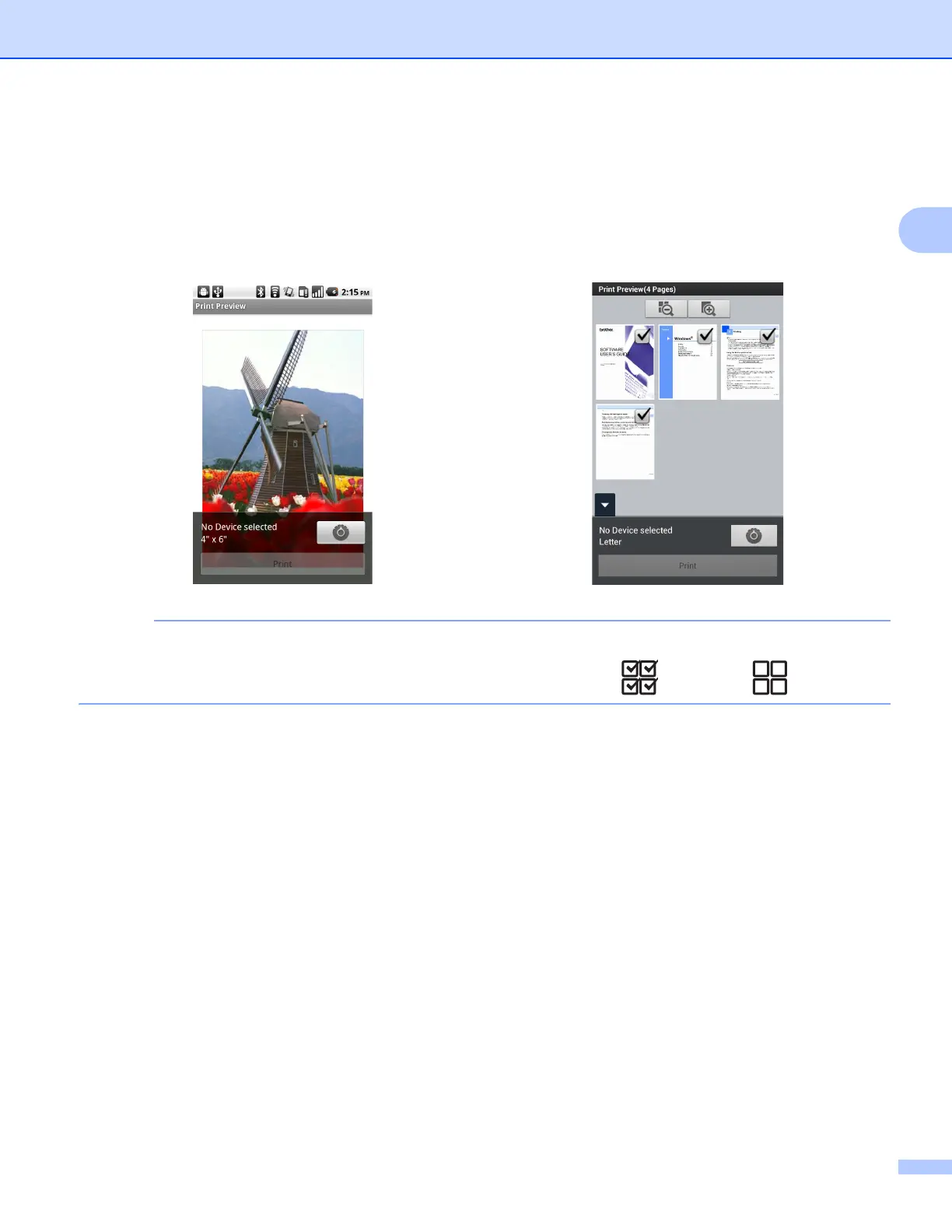
c Depending on the data, a Print Preview screen (A) or thumbnail Print Preview screen (B) appears.
Confirm the image and make sure your machine is selected.
If screen (B) is displayed, make sure the pages that you want to print are marked with a check mark. Tap
a page to remove the check mark if you do not want to print that page.
(For thumbnail Print Preview screen)
To select or deselect all pages, press the Menu button, and then tap to select or to deselect.
(A) (B)



 To Next Page
 Loading...


