Printing
63
5
To edit the title, tap it, and then edit the title.
Tap Save.
Repeat this step to edit other bookmarks.
d Tap Done.
Deleting all of the browsing history 5
You can delete all of the browsing history.
When deleting all of the browsing history, you cannot select and delete a single browsing history.
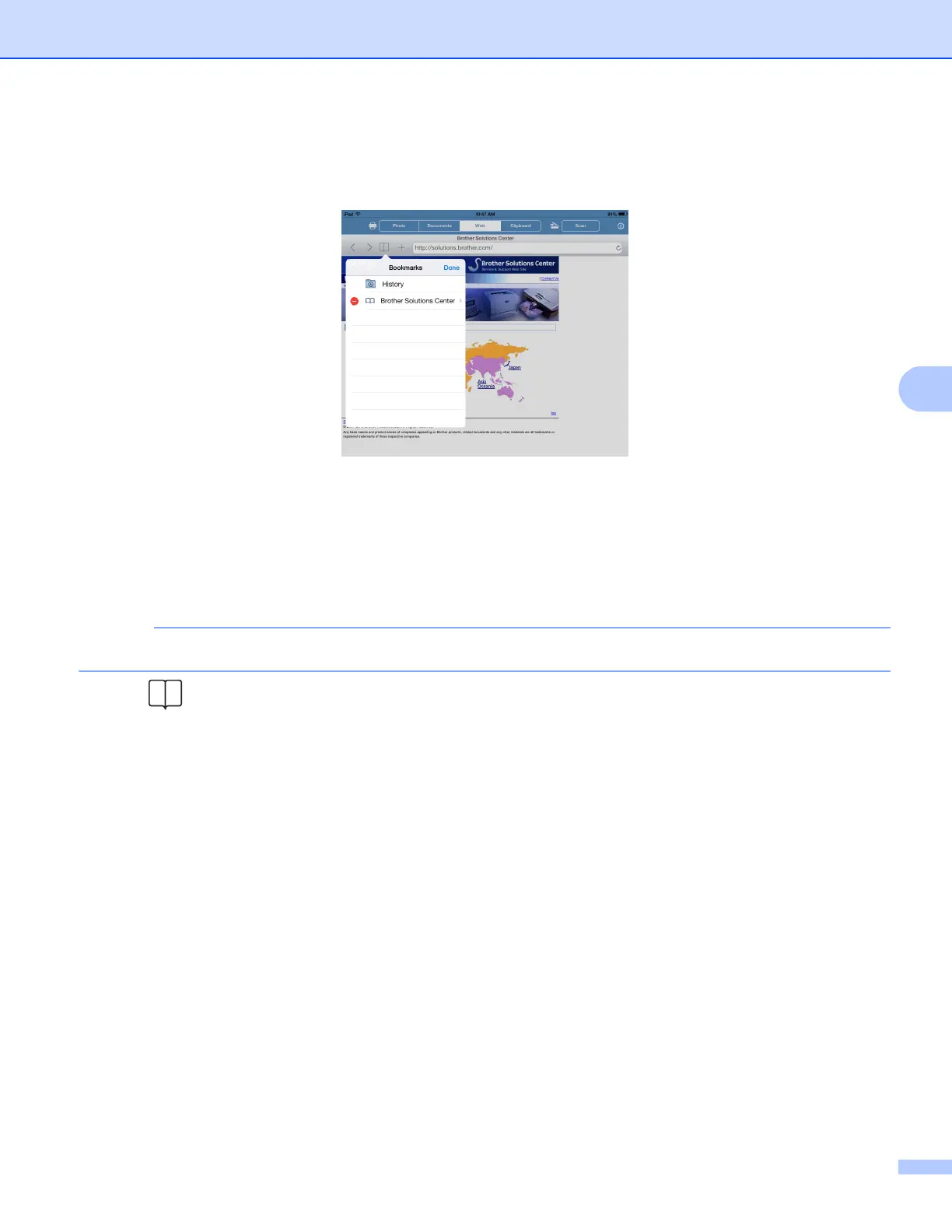
a Tap .
b Tap History.
c Tap Clear. A message will appear to confirm if you want to delete the browsing history. Tap
Clear History.
All of the browsing history will be cleared.



 To Next Page
 Loading...


