Embroidery 5-47
1 —
2 —
3 —
4 —
5 —
6 —
7 —
8 —
?
!
9 —
CONTENTS
Index
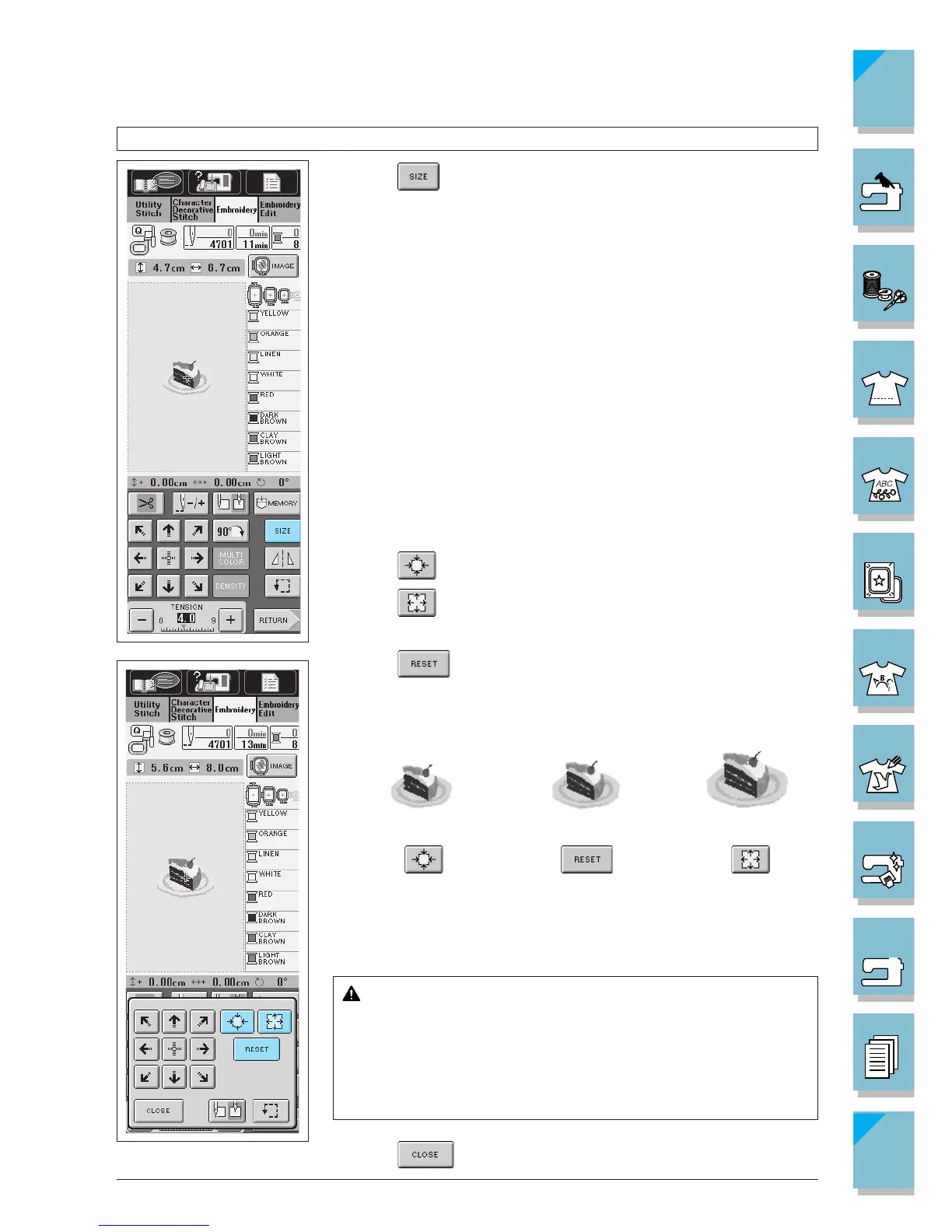
Changing the Size of the Pattern
1. Press .
2. The screen at the left is displayed.
Press
to make the pattern smaller.
Press to make the pattern bigger.
The size changes each time you press the key.
Press to return the pattern to the original size.
* Some patterns or characters can be enlarged more than others.
* Some patterns or characters can be enlarged to a greater degree
if they are rotated 90 degrees.
CAUTION
When you have changed the size of the pattern, check the
display of available embroidery frames and use an appro-
priate frame. If you use an embroidery frame not displayed
as available for use, the presser foot may strike the frame
and cause injury.
3. Press to return to the original screen.















 To Next Page