Care and Maintenance 8-1
1 —
2 —
3 —
4 —
5 —
6 —
7 —
8 —
?
!
9 —
CONTENTS
Index
1
2
Chapter 8 Care and Maintenance
CHANGING THE LIGHT BULB
CAUTION
• Turn off the main power switch and unplug the machine before changing the light
bulb. If the machine is on and the “Start/Stop” button is pressed accidentally, injuries
may result.
• To avoid burns, give the light bulb time to cool before changing it.
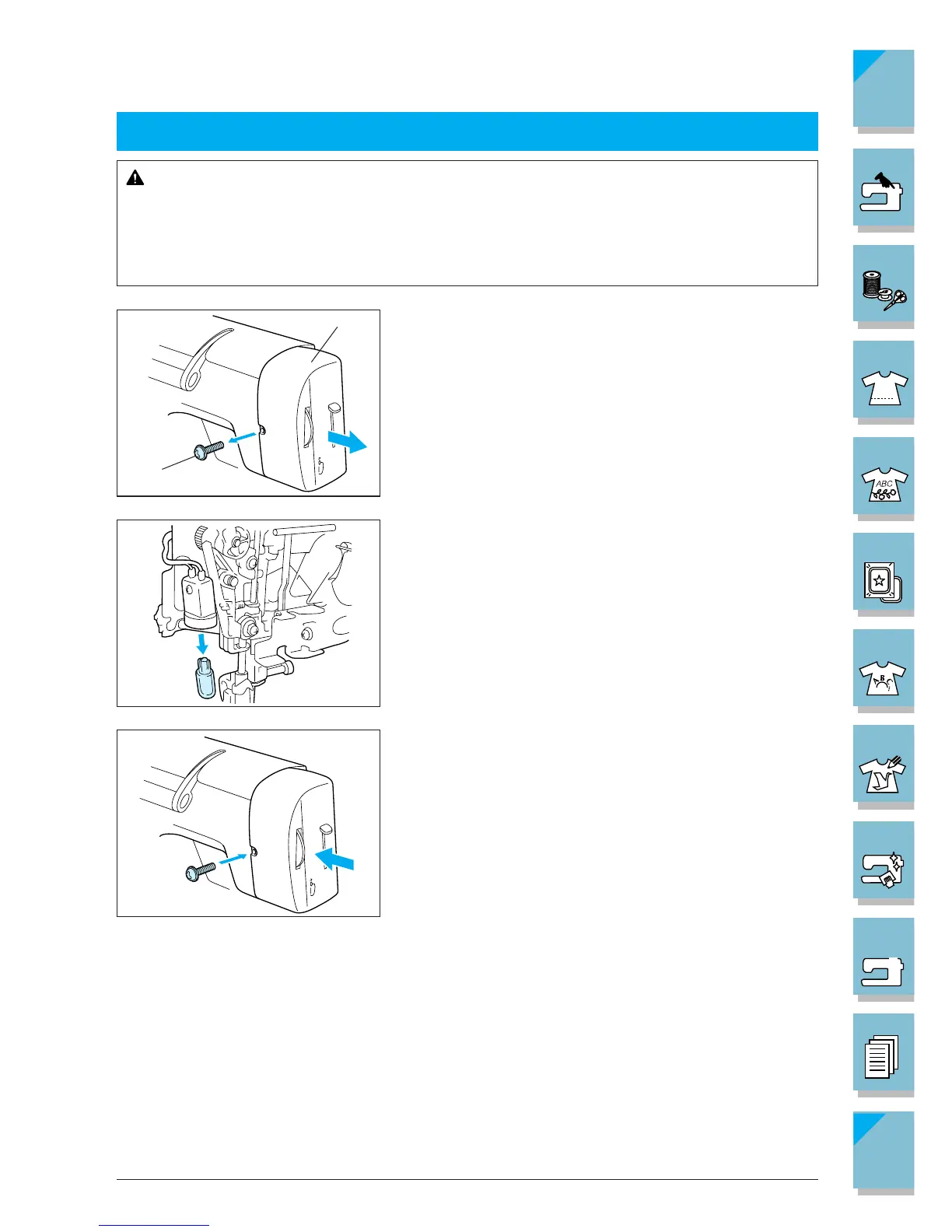
1. Turn off the main power switch.
2. Use a screwdriver to loosen the screw on the back of
machine light cover. Then remove the light cover.
1 Screw
2 Light cover
3. Remove the light bulb as shown, and align the projec-
tion on the light bulb with the notch in the socket. Re-
place it with a new light bulb.
CAUTION
Use only light bulbs intended for use with this machine
(12V/ 5W: part code XA2037001). You can get the
proper light bulb at your authorized dealer.
4. Place light cover and tighten the screw on the back of
the machine.






 To Next Page