6-32 Embroidery Edit Functions
1 —
2 —
3 —
4 —
5 —
6 —
7 —
8 —
?
!
9 —
CONTENTS
Index
MEMORY FUNCTIONS
Saving Edited Patterns
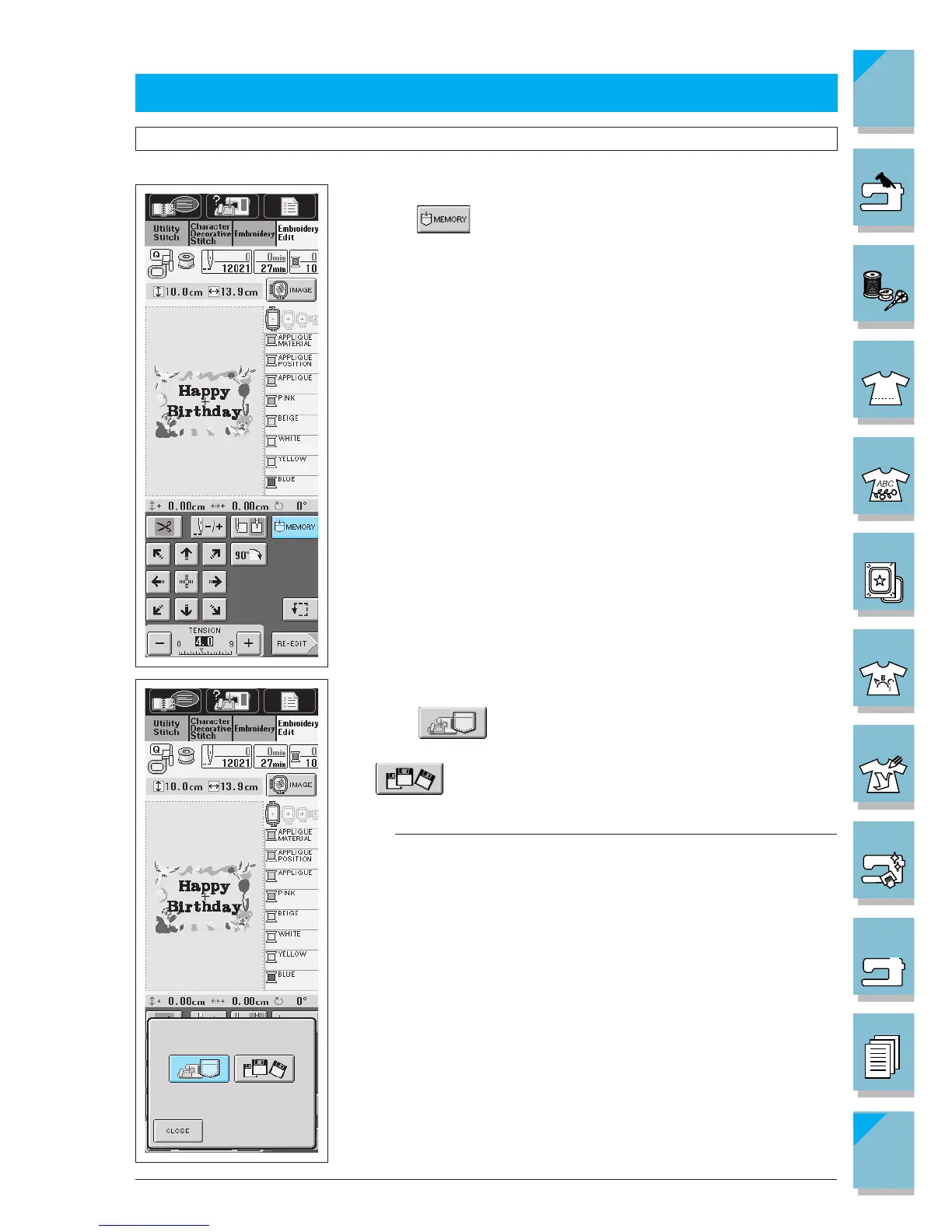
■ Saving a Pattern
You can save edited patterns for later use.
1. Press
.
2. Choose where you want to save the pattern.
Press to save the pattern in the machine memory. If
you have the floppy disk drive on your machine, you press
to save the pattern on a floppy disk.
Note
If your machine did not come furnished with a built-in floppy disk
drive, you can receive an upgrade service for your machine, so that
it can use floppy disk at your authorized dealer.















 To Next Page