Setting Up 1-21
1 —
2 —
3 —
4 —
5 —
6 —
7 —
8 —
?
!
9 —
CONTENTS
Index
5
1
2
3
4
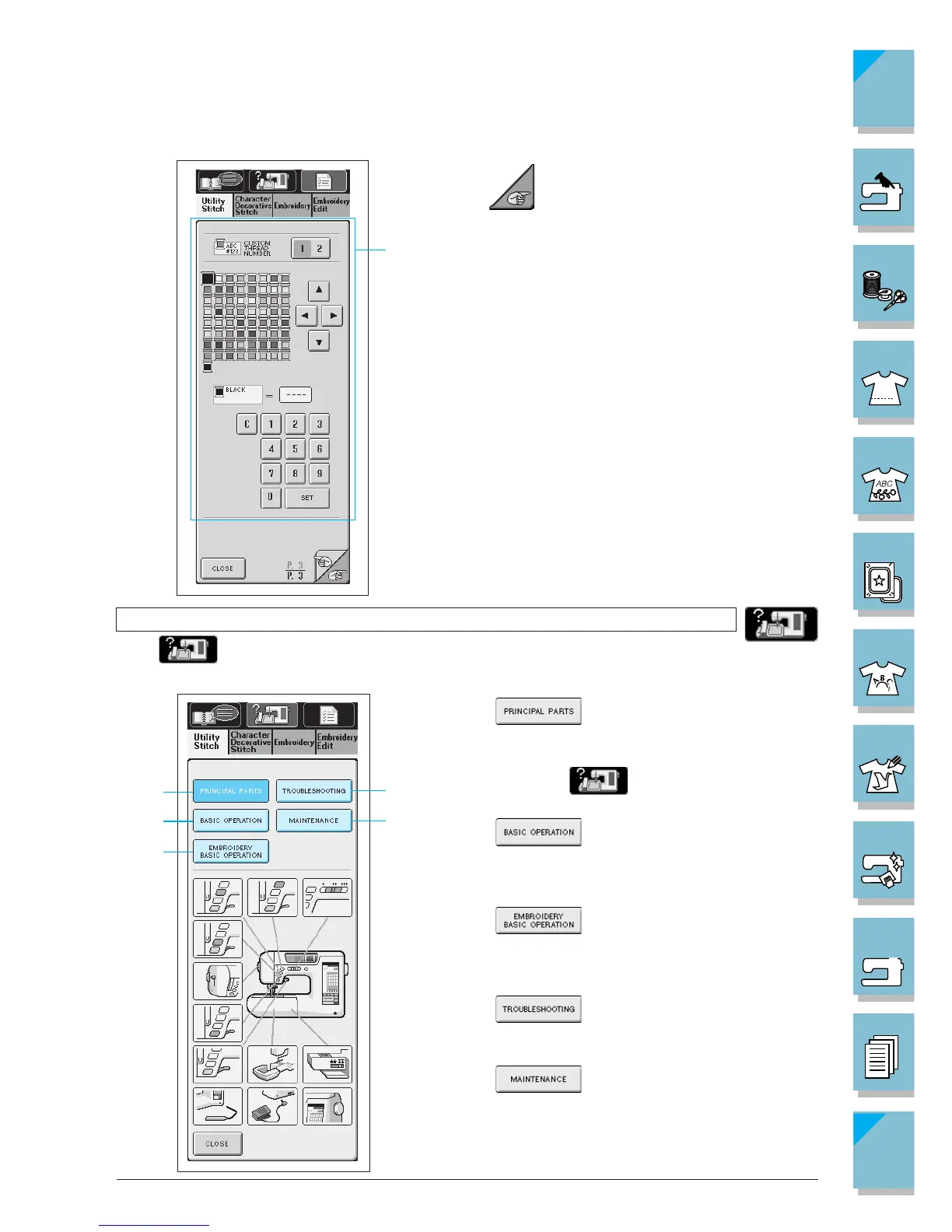
Using the Machine Operations Key
Press to open the screen shown below. Five categories are displayed at the top of the
screen. Press a key to see more information about that category.
1 displays information about
the main parts of the machine and their func-
tions. This is the first screen displayed when
you press .
2 displays information about
threading the machine, changing presser feet,
etc.
3 displays information about
attaching the embroidery unit, preparing fab-
ric for embroidering, etc.
4 displays information about deal-
ing with minor difficulties.
5 displays information about
changing the lamp, cleaning the machine, etc.
Press to go to the next screen.
1 Thread color numbers can be customized (see
page 5-43).
1















 To Next Page