7
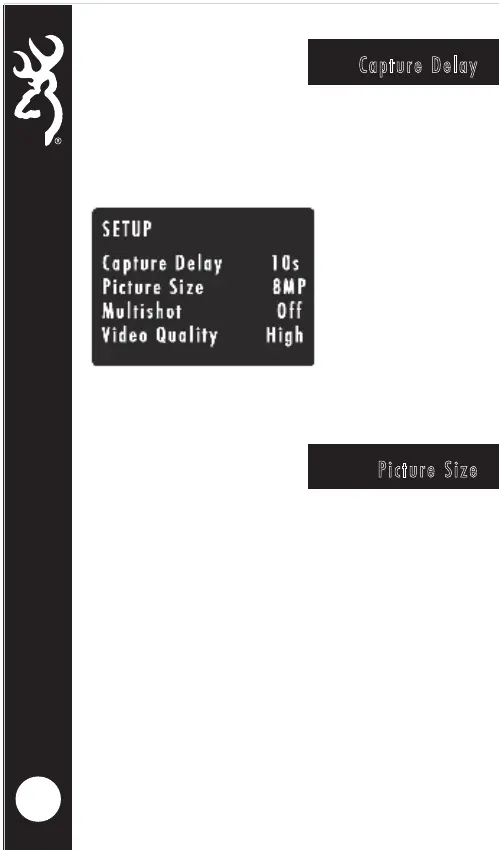
Picture Size
Capture Delay
To select the Picture Size, highlight the PICTURE SIZE.
Use the RIGHT or LEFT arrow keys to make your
selection.
OPTIONS:
LOW 4MP
MEDIUM 10MP
HIGH 16MP
ULTRA 26MP
TIP- A 4MP picture size works for almost any
application. You can store more 4MP images on an
SD card as well.
The capture delay sets the "timeout" in between
motion activated images or videos. Highlight the
CAPTURE DELAY option and use the RIGHT or LEFT
buttons select the delay.
Capture Delay options are 1, 5, 10, 20, 30, 60
seconds and 2, 5, 10, 30 or 60 minutes.




 To Next Page