5
Time and Date
To Set the time and date:
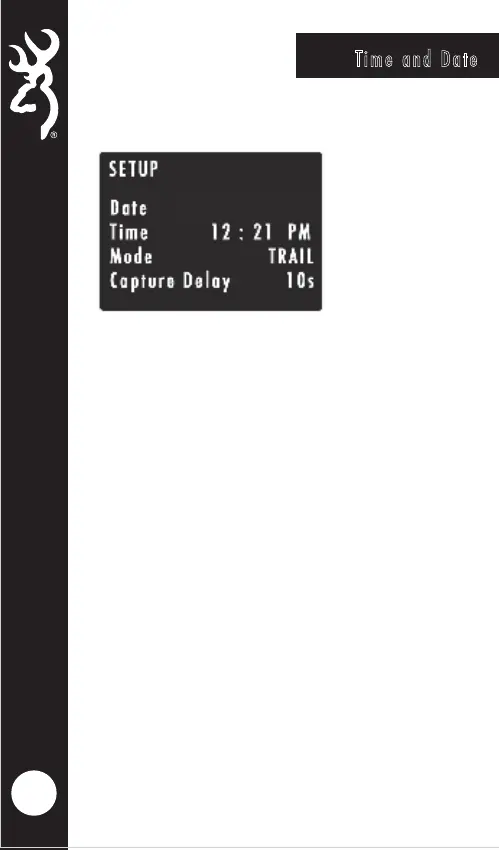
From the HOME screen, press the MODE button once.
The SETUP screen will display showing your available
camera settings options. The DATE option will be
highlighted.
Press the OK button to highlight the month. Using the
UP or DOWN arrows, select the current month. Press
the RIGHT arrow key to set the current day. Using the
UP or DOWN arrows to set the correct day. Press the
RIGHT arrow key will highlight current year setting.
Use the UP and DOWN arrows to select the correct
year. Once finished, press the OK button.
Press the DOWN arrow to highlight the TIME setting.
Using the arrow keypad, set the current time and date.
Make sure to set the correct AM/PM option as well.
Press OK to save.
1/05/2024








 To Next Page