11
Timelapse Settings
view the entire activity
in a given area such as
a large field.
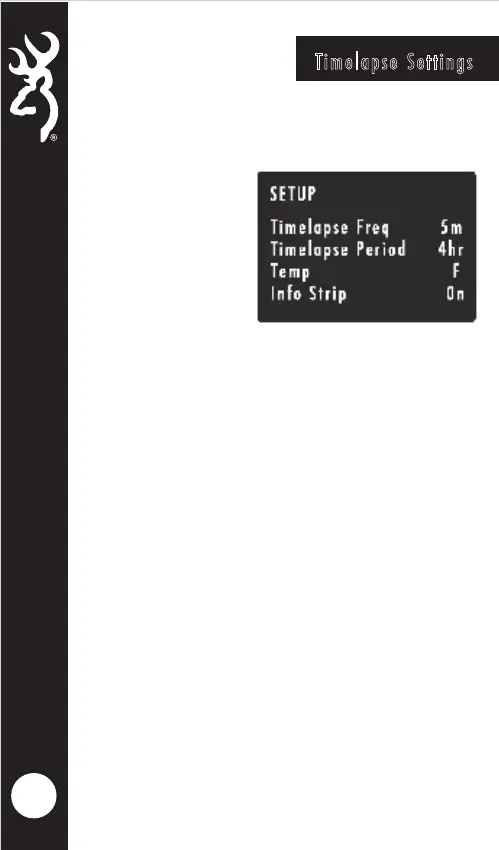
TIMELAPSE FREQUENCY
Your trail camera can
be set to take timelapse
pictures at the following frequencies: 5, 10, 20, 30, 60
seconds; 1, 2, 5, 10, 30 and 60 minutes.
TIMELAPSE DURATION
The timelapse duration can be set as well for the
cameras. The timelapse duration controls how many
hours per day the camera captures timelapse images. In
some locations you may want to take timelapse images
all day, while in other locations you may need to only
take images for 2 hours in the morning and 2 hours
before sundown. Your available TIMELAPSE DURATION
options are:
- ALL DAY Camera takes images from sunrise to sunset.
- 2, 3 or 4 HOUR These Durations limit the camera to
taking images either 2, 3 or 4 hours after sunrise and
2,3 or 4 hours prior to sunset.
NOTE:
Your trail camera learns the length of a day and constantly
adjusts the 2,3 or 4 hour durtion modes automatically.
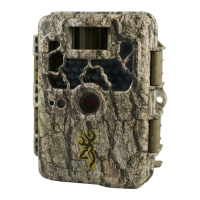
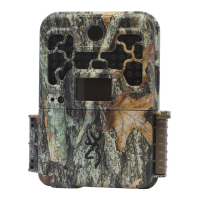
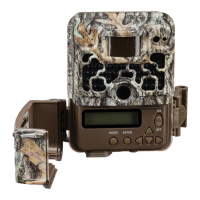
Your Browning Trail Camera has the ability to function
as a timelapse camera. This is useful if you want to




 To Next Page