Multishot Modes
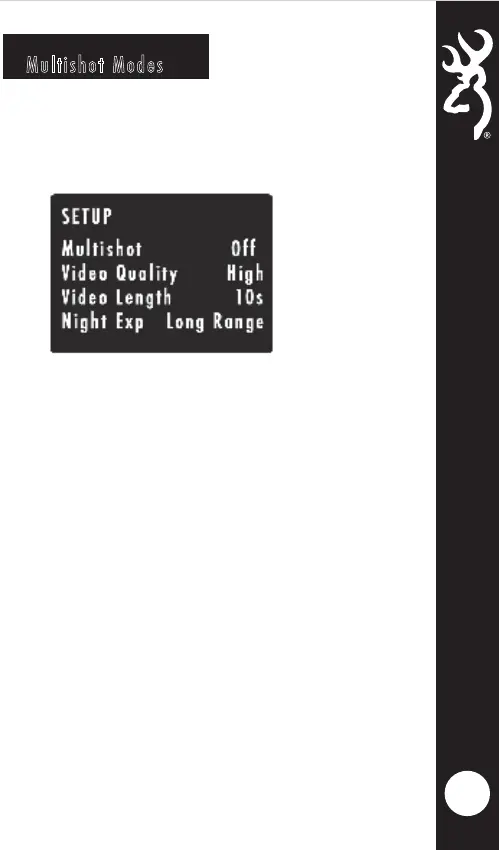
To program the MULTI SHOT mode, use the DOWN
arrow button to highlight the Multishot option. Use the
RIGHT or LEFT buttons to highlight a Multishot option.
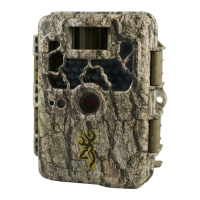
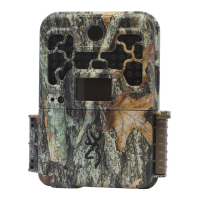
Your Browning Trail Camera can take multiple shots
each time the camera is triggered. The default setting is
1 picture. Your options are as follows:
8
MULTI SHOT
OFF
MULTI SHOT
STANDARD
RAPID FIRE
This is the default setting. Your camera
will only take 1 picture when triggered.
The selections available are 2-8 shots in
this mode. If you select 4-SHOT
STANDARD, your camera will take 4
pictures, spaced 2 seconds apart.
This selection allows rapid image
capture. When triggered, your camera
will take 2-8 RAPID FIRE shots,with only
0.3 seconds between pictures. Your
available options are 2,3,4,5,6,7, or 8
RAPID FIRE shots.




 To Next Page