6 Data Export
6.1 Data export via text file (log file)
In addition to being displayed, all of the measurement values are entered into a
measurement value file (log file) called BIMresults.log. This measurement value file is
automatically generated each time a program is started or an existing file is reused.
The file is an overflow-free storage unit with a maximum size currently set at 10MB
.
The storage unit is filled up from top to bottom, so the most recent values are at the
bottom. If the capacity of the storage unit is reached, the data is re-entered at the top.
This means that the oldest values are overwritten with the newest values (scrolling),
and the data always has a complete history over a given period of time. This can
mean, however, that the current information is no longer at the very bottom, but may
be in the middle of the file. The current value is indicated with an arrow (<<==) on the
right-hand side. For long series of measurements, we recommend that you localise
the arrow using the search function.
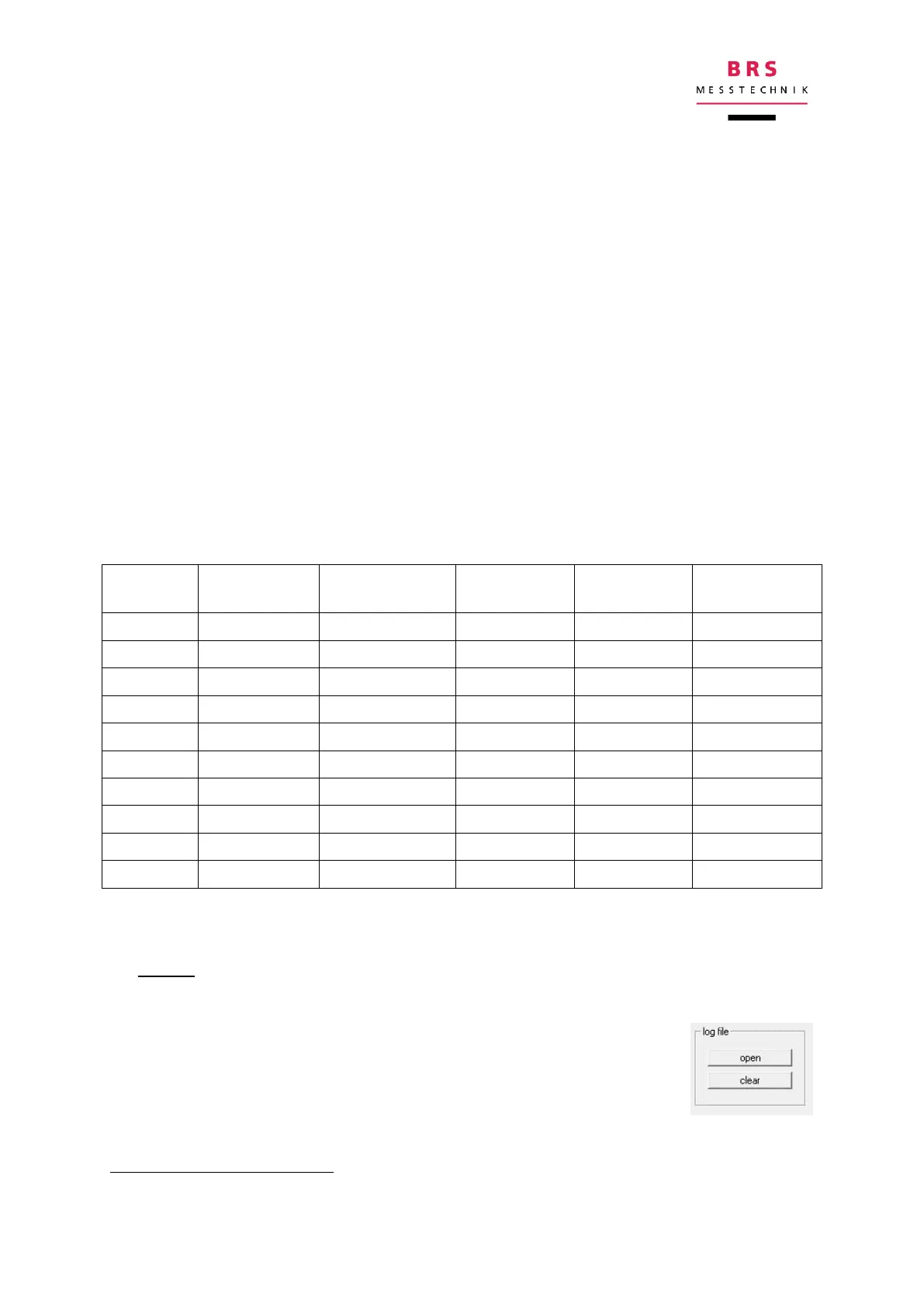
Example for a spectral measurement:
The measurement values can be used in the following ways:
a) Viewer
You can view these measurement value files by clicking on the “LogFiles” button in
the bottom right corner of the control panel. This saves the meas-
urement values saved up until this point in the Windows tool Note-
Pad as a text file. These results can now be copied into other pro-
grams.
This is around 100,000 rows of measurements (at 100 bytes/row).


 To Next Page