b) Exporting values for processing
The data can be imported into an evaluation program (e.g. a table calculation) as a
text file.
The values are shown in ASCII notation. The comma is used to separate out the dec-
imal values, and the space is user to separate elements. This means that they are
already in European format for further processing, and can be directly imported into a
table calculation program, for example using the text import function.
Please check the input settings on the table calculation program, particularly “sepa-
rate” and “space”.
c) Archiving
In order to archive the measurement results, copy the file into a suitable directory.
If you want to delete data, we recommend deleting the entire file. If you only delete
the contents, you will also lose control information.
6.2 Data export via csv files
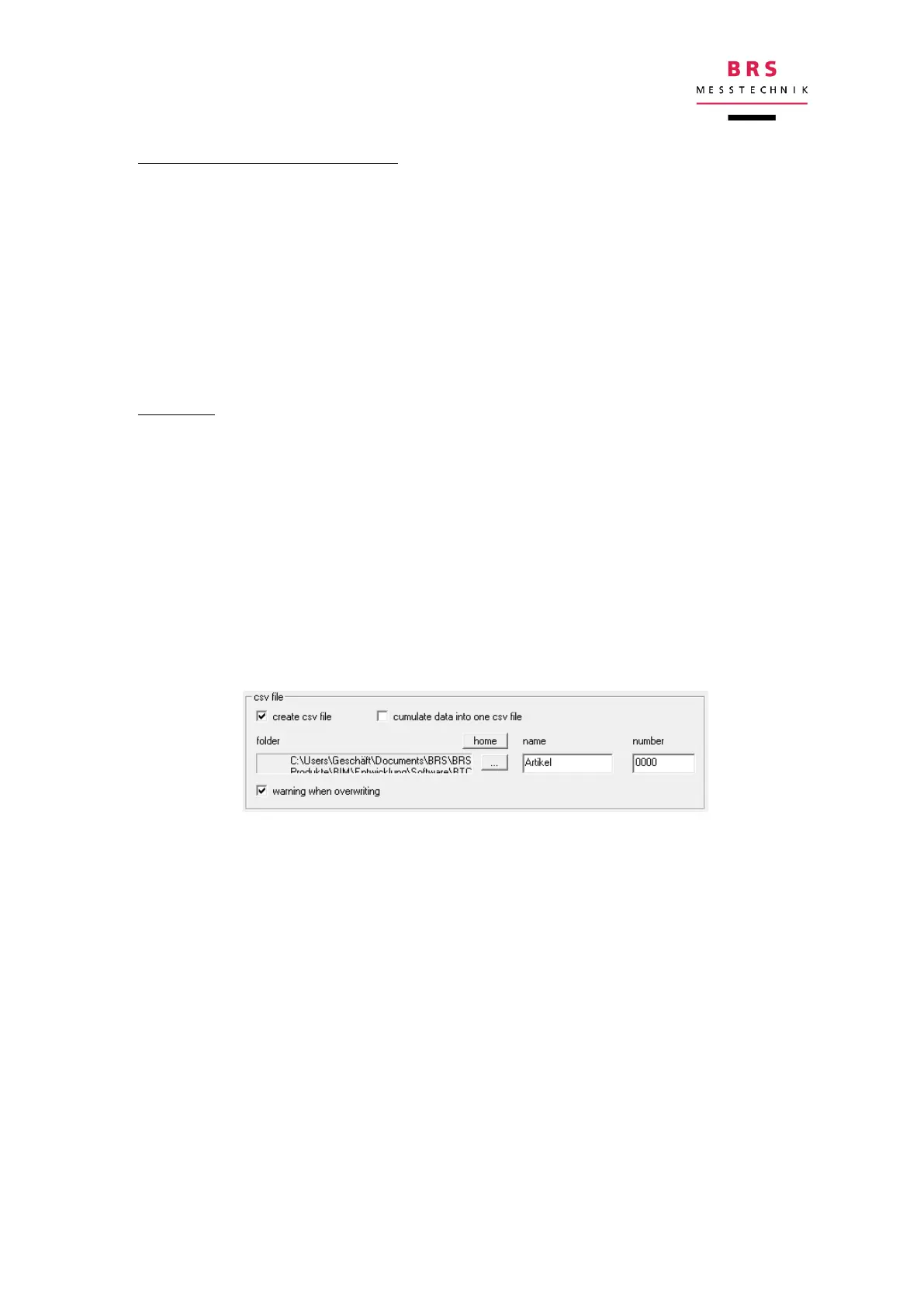
Other than the log files, the csv files are only created on demand. There are 2 condi-
tions:
the measurement sequence must be single scan
the appropriate input box is selected (“create csv file”)
The following parameters can be specified in the menu “extras”:
wether or not a csv file shall be created
if the results shall be stored in individual files or in one cumulated file
in which folder the files shall be stored
The data are always generated in 2 formats:
a US version: value separator = comma; decimal separator = point
a EU version: value separator = semicolon, decimal separator = comma.
7 Remote control
The software for the Battery Impedance Meter is constantly being updated. For this
reason, there is a separate document for the remote control, where the remote con-
trol commands are described.
A current PDF document can be provided on request.


 To Next Page