QUICK GUIDE INSTRUCTIONS 3
Adjust Heating Temperature
1
Press the red HEAT button. Heating is confirmed when the red
LED adjacent to the red HEAT button is lit.
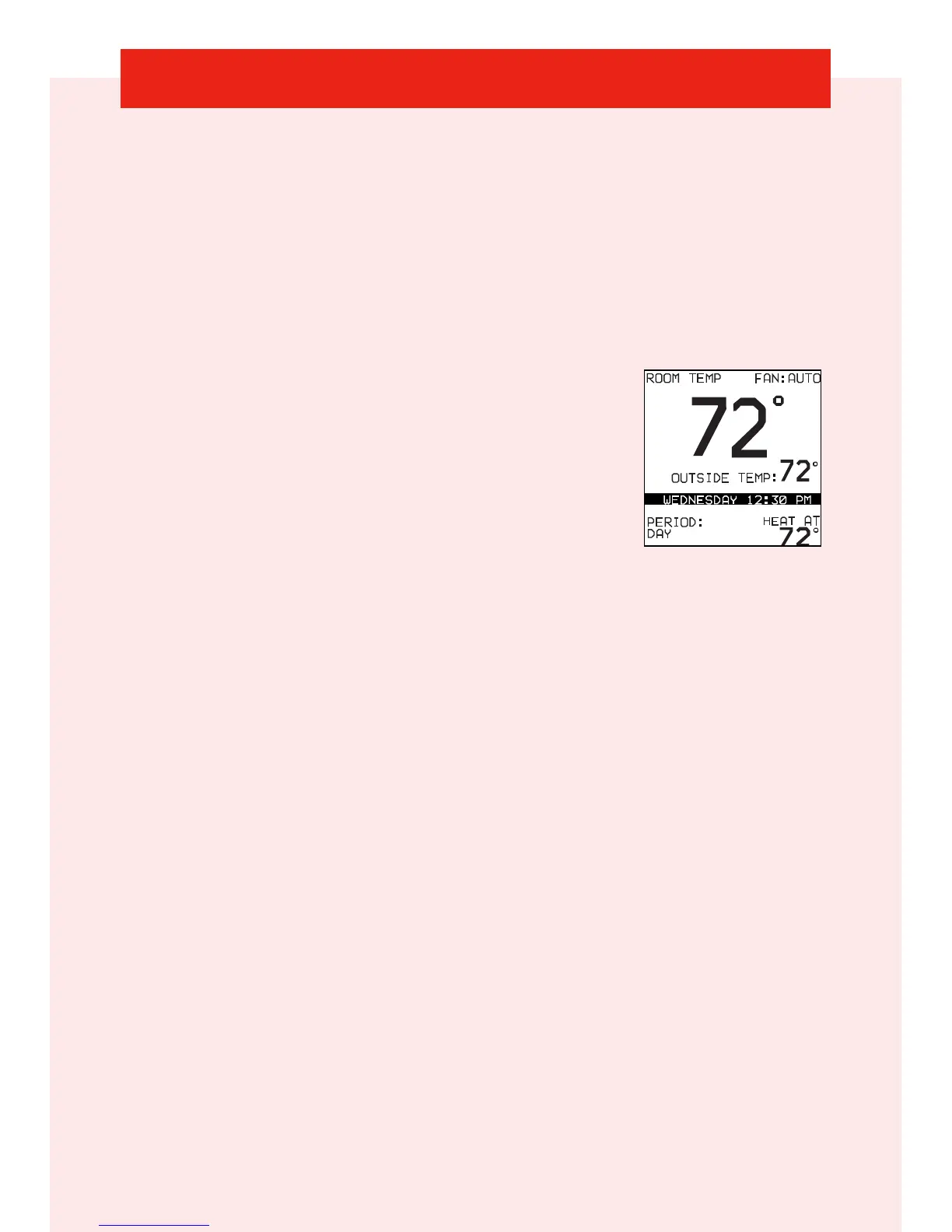
2 Use the Right Up/Down button to select your desired
temperature, which will be displayed on the lower right.
An override time will be displayed on the lower left.
Please note an override time will not
appear if programming has been turned off.
3 You can change the override time in
15-minute increments by pressing the Left
Up/Down button until the desired override
time is selected.
- OR -
Press the HOLD button to override the schedule indefinitely.
Adjust Cooling Temperature
1
Press the blue COOL button. Cooling is confirmed when the
blue LED adjacent to the blue button is lit.
2 Use the Right Up/Down button to select your desired
temperature, which will be displayed on the lower right.
An override time will be displayed on the lower left. Please note
an override time will not appear if programming has been
turned off.
3 You can change the override time to 15-minute increments by
pressing the Left Up/Down button until the desired
override time is selected.
- OR -
Press the HOLD button to override the schedule indefinitely.












 To Next Page