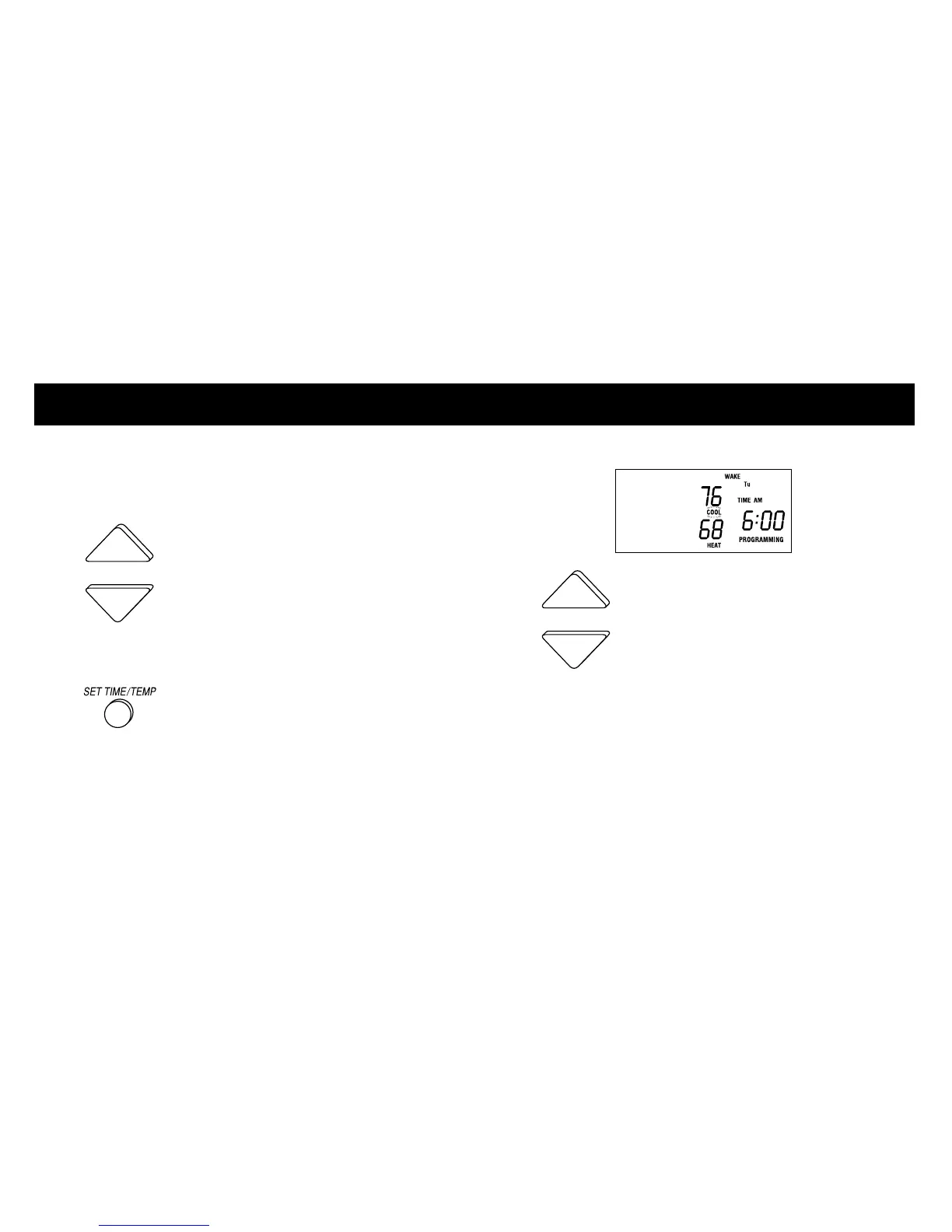
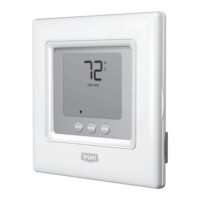
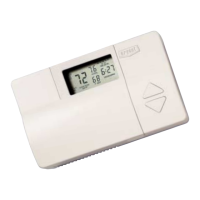
PROGRAMMING THE THERMIDISTAT CONTROL
NOTE: Pressing the SET TIME/TEMP button
allows you to select between HEAT, COOL, and
TIME settings.
4 Press the UP and DOWN buttons
to adjust the heating temperature setting to
match your personalized comfort schedule.
5 Press the SET TIME/TEMP button to
select the cooling temperature setting for this
time period.
The word COOL flashes on the display.
6 Press the UP and DOWN buttons
to adjust the cooling temperature setting
listed in your personalized comfort schedule.
NOTE: Your COOL setting must be at least 2°
higher than your HEAT setting. Your Thermidistat
Control will automatically change your previously
set temperature to maintain that 2° difference.
8













 To Next Page