PROGRAMMING THE THERMIDISTAT CONTROL
3 When the correct time appears on the display,
press the HOLD/END button.
NOTE: If you choose not to press the HOLD/END
button, the word TIME will stop flashing after
15 seconds.
NOTE: If you live in a Daylight Savings Time area,
you may advance the time 1 hour in the Spring by
simultaneously pressing the SET TIME/TEMP button
and the UP button. In the Fall, you may set back
the time 1 hour by simultaneously pressing the
SET TIME/TEMP button and the DOWN button.
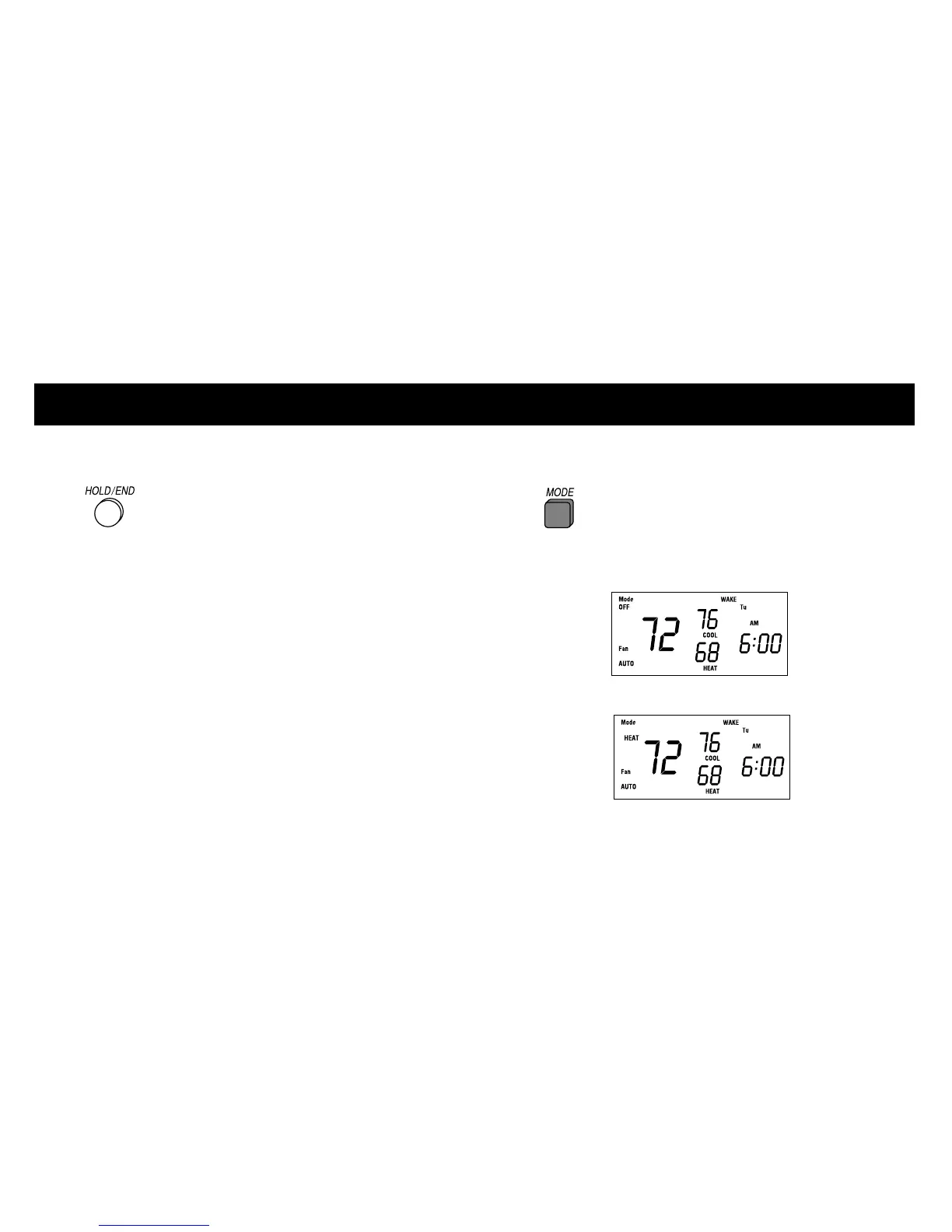
Setting mode operation
1 Press MODE button.
2 When the MODE button is pressed, the words
OFF,
HEAT,
2













 To Next Page