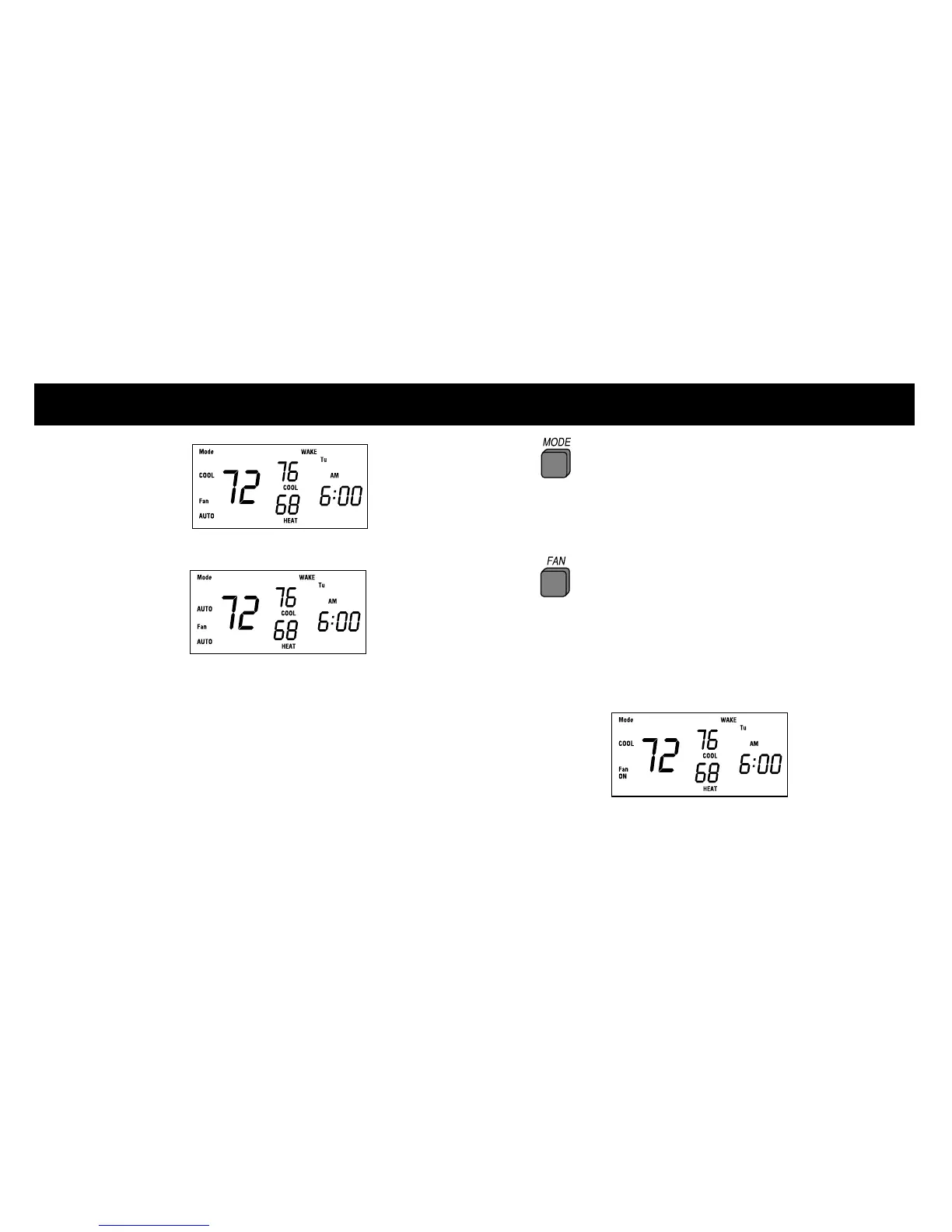
PROGRAMMING THE THERMIDISTAT CONTROL
COOL,
and AUTO
will rotate on the display.
If you have a heat pump, the display
will show OFF, HEAT, COOL, AUTO,
and EHEAT.
NOTE: In AUTO mode, your system will heat OR
cool as needed to reach your temperature settings.
3 Continue to press the MODE
button until you reach the desired setting.
Setting the fan operation
1 Press the FAN button to switch
between ON and AUTO fan settings.
When the ON mode is selected, the fan runs
continuously for improved air circulation.
3













 To Next Page