PROGRAMMING THE THERMIDISTAT CONTROL
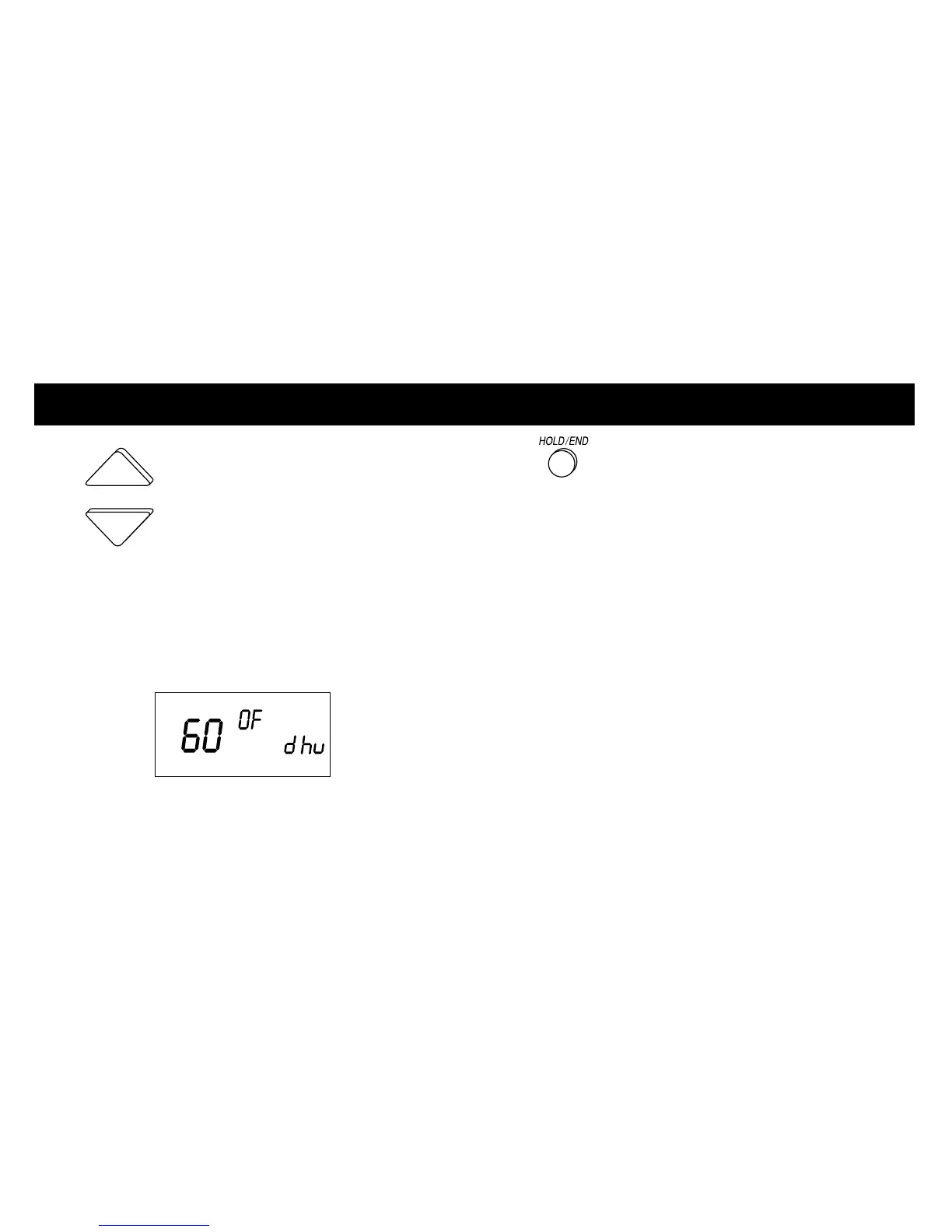
2 With the dehumidify setting
displayed, press the UP or DOWN button to
adjust the dehumidify setting. Dehumidify
levels can be set from 50% to 90%. Or, to
turn dehumidification off, press the MODE
button until OF appears on the display.
(See suggested settings on page 6)
3 Press the HOLD/END button
to exit.
Setting the “cool to dehumidify”
function
This setting allows a standard comfort
system to provide moderate
dehumidification by running the air
conditioner. The function can also be
used with variable-capacity equipment.
NOTE: While in the “cool to dehumidify” mode,
the indoor air temperature will not drop more
than 3° below the cooling set point with a
dehumidification demand.
14













 To Next Page