OPERATING THE THERMIDISTAT CONTROL
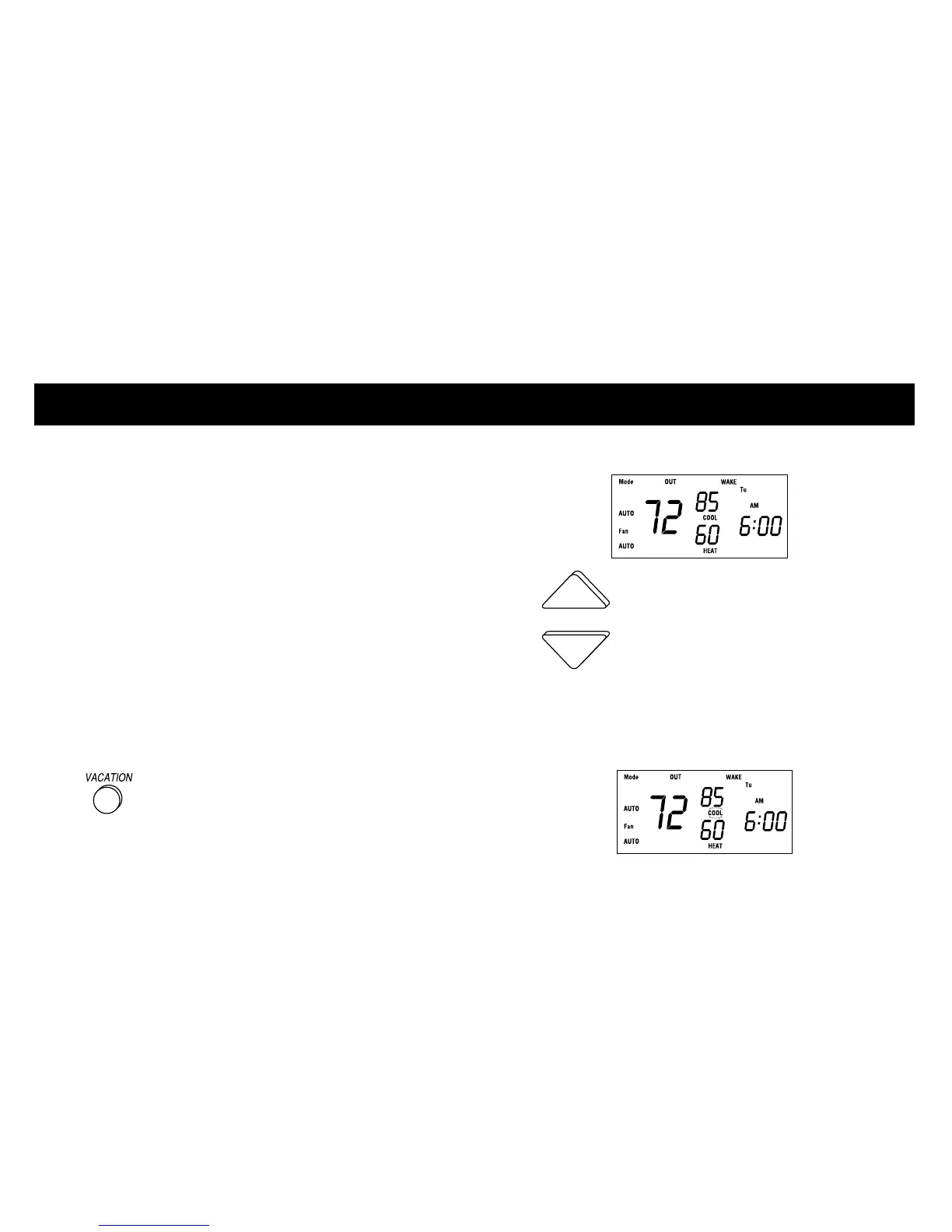
Vacation feature setup
The vacation feature allows a separate set
of temperature and humidity settings to be
stored for vacation and recalled with a
single button press.
The vacation feature is preprogrammed for
you with vacation settings for temperature
and humidity. (Heat 60°, cool 85°,
hu 10%, dhu 75%) If these are okay, skip
ahead to ”vacation feature operation.“
If you wish to enter new settings, continue
with this section.
1 Press the VACATION button to
display the vacation temperature settings.
The OUT indicator is displayed.
2 If you wish to change these
settings, press the UP or DOWN button.
The current mode, either HEAT or COOL,
flashes on the display.
21













 To Next Page