OPERATING THE THERMIDISTAT CONTROL
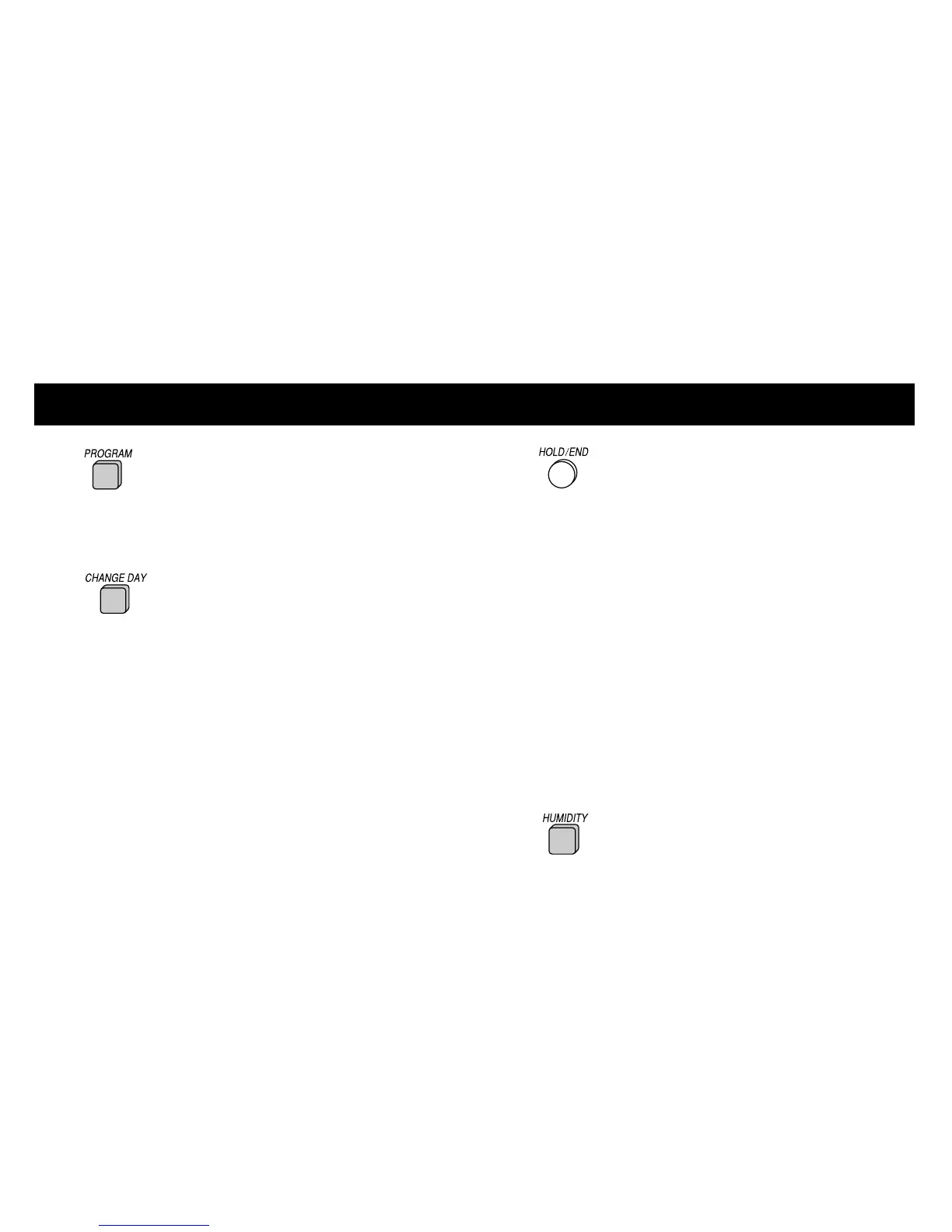
3 Press the PROGRAM button again
to advance to the next time period for the
same day. Continue this process to review all
settings for the day.
4 Press the CHANGE DAY button to
view the next day’s settings.
5 Repeat steps 3 and 4 to review entire 7 day
schedule.
CAUTION: Pressing any other buttons while
reviewing current selections could alter the
set program.
6 Press the HOLD/END button to
exit the program mode.
Checking current temperature
The Thermidistat Control will display cur-
rent temperature. To view your current
temperature settings, press the UP or
DOWN button once. The heat and cool
temperature settings will be displayed.
Checking current humidification
and dehumidification settings
1 Press the HUMIDITY button.
19













 To Next Page