PROGRAMMING THE THERMIDISTAT CONTROL
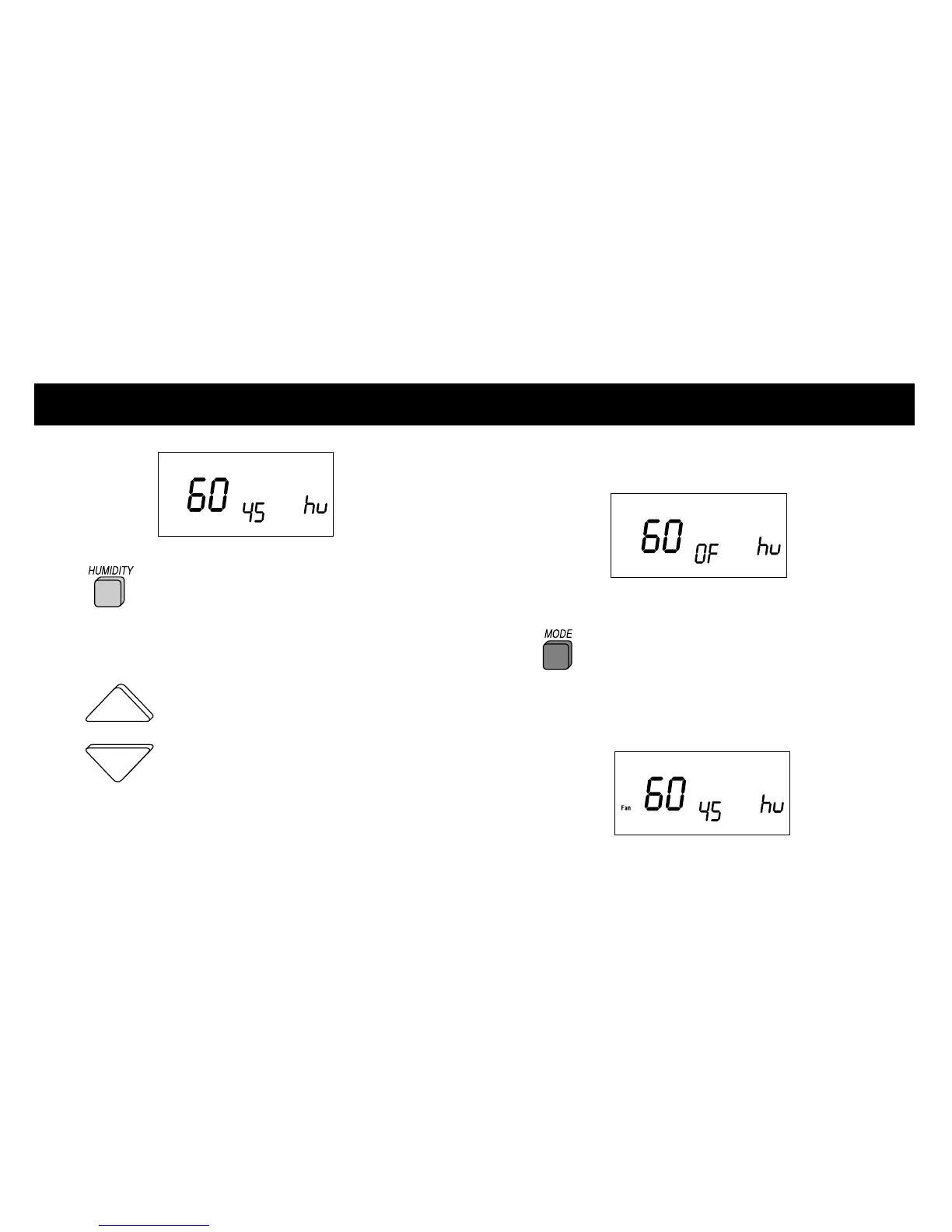
If the dhu indicator is displayed, press the
HUMIDITY button again to display
the hu indicator.
NOTE: To change between humidify (hu) and
dehumidify (dhu), press the HUMIDITY button.
2 With the humidify (hu) setting
displayed, press the UP or DOWN button to
adjust the humidify setting. Humidity levels
can be set from 10% to 45%. Or, to turn
humidification off, press the MODE button
until ”OF“ appears on the display.
(See suggested settings on page 6)
3 Press the MODE button to select
between:
a. FAN indicator displayed — fan and humidifier
on every time humidification is needed.
11













 To Next Page