APPENDIX F: WEB INTERFACE GUIDE continued
SP3 Web Interface Guide Page 5 of 7
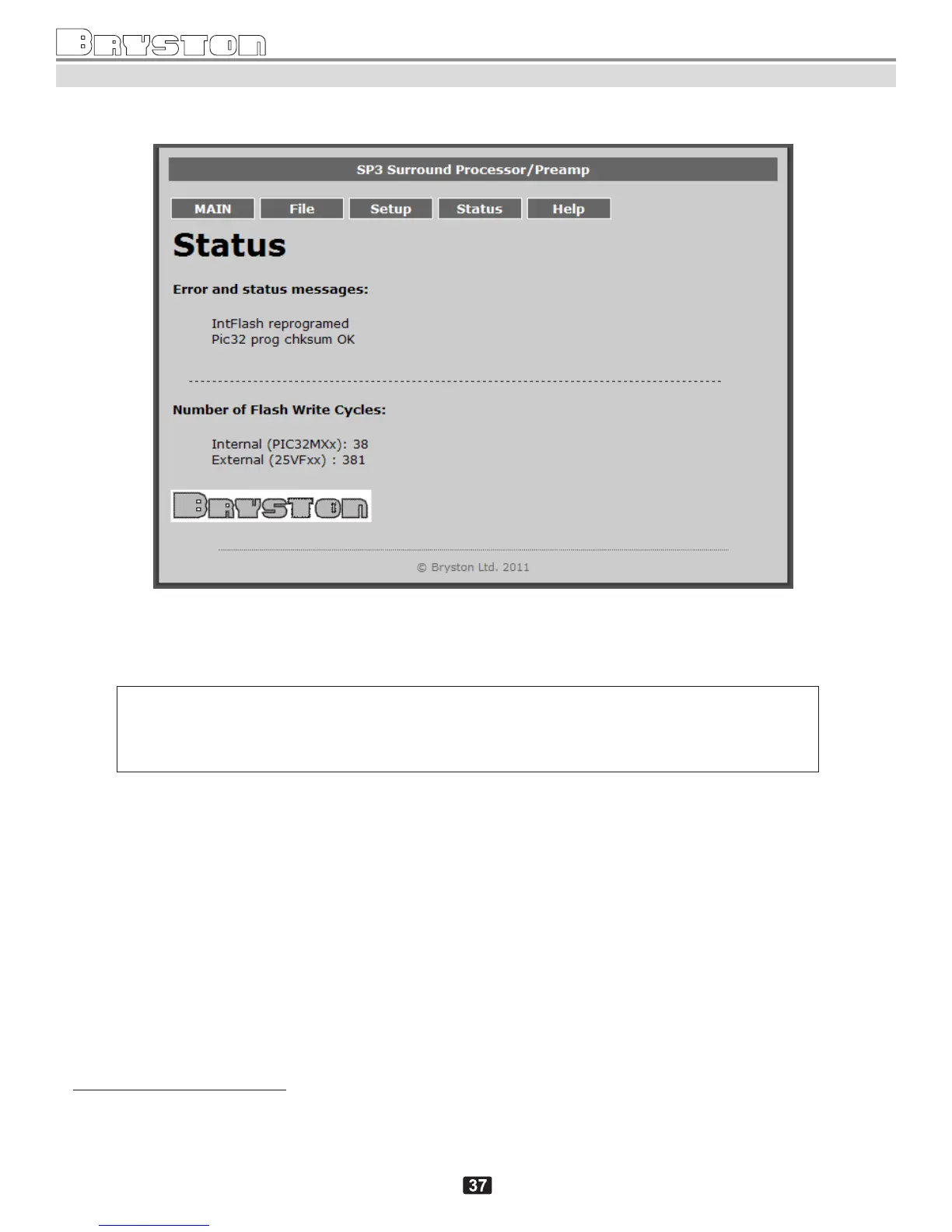
4. Status screen.
Setup screen (as of firmware version 2012.04)
4
Status screen displays the current “Error and Status messages” (if any), and “Number of Flash Write Cycles”
5
.
Note: the following error "PWRGD PWR Stat Fail" or "Power or fuse failed" typically
comes accompanied by other secondary messages such as "Volume Control Fault", "DSP Fault
after Reset", "Invalid Alpha Reply", "DSP Fault" etc. It is most likely caused by a blown fuse.
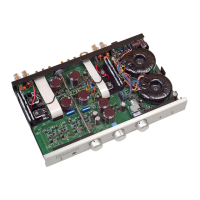
To replace the fuse, locate it in the far left corner inside the unit, after opening up the top cover.
4
This screen will be modified in the future to display information available currently on the SP3 Vacuum Fluorescent display in
menus SYSTEM SETUPTESTSYSTEM STATUS and HDMI STATUS.
5
This is an advanced technical information of no relevance, used only for diagnostics and support.



 To Next Page