Manual EVOTOUCH v.5 95 / 104
Get into Configuration Menu.
Activated: pH Alarm = ON.
Disactivate: pH Alarm = OFF.
4.1.4.9- Modbus RTU communication
How to install EVOTOUCH in a Modbus system and how to set communication
parameter in order to be part of communication environment.
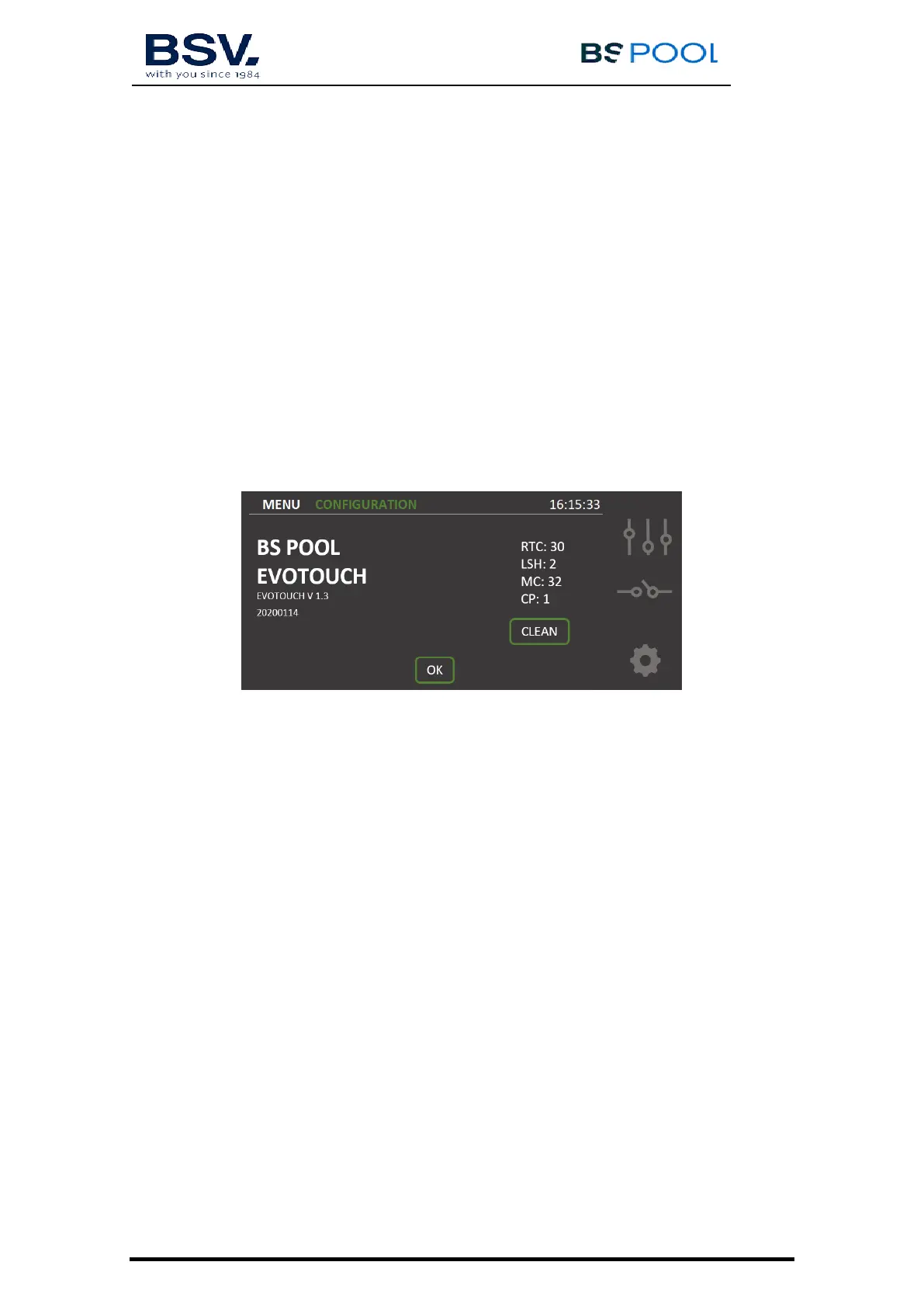
4.1.4.10- Information Menu
This menu contains information about chlorinator model, software version and
clean button to force the cell into a cleaning cycle. It is not recommended to
use is button, only with under technical instructions.
4.2- Warning and alarms messages
In the event of abnormal operation, the EVOLINK series equipment will display
an Alarm message on the Status Bar at the Main Screen, serigraphy will turn
into red and an acoustic warning. These alarms stop the equipment until the
problem is solved.
Similarly, it will display a Warning message on the Status Bar, but without an
acoustic signal or stopping the equipment. In this case, the equipment can
continue operating, although you are informed that corrective action should be
taken.


 To Next Page