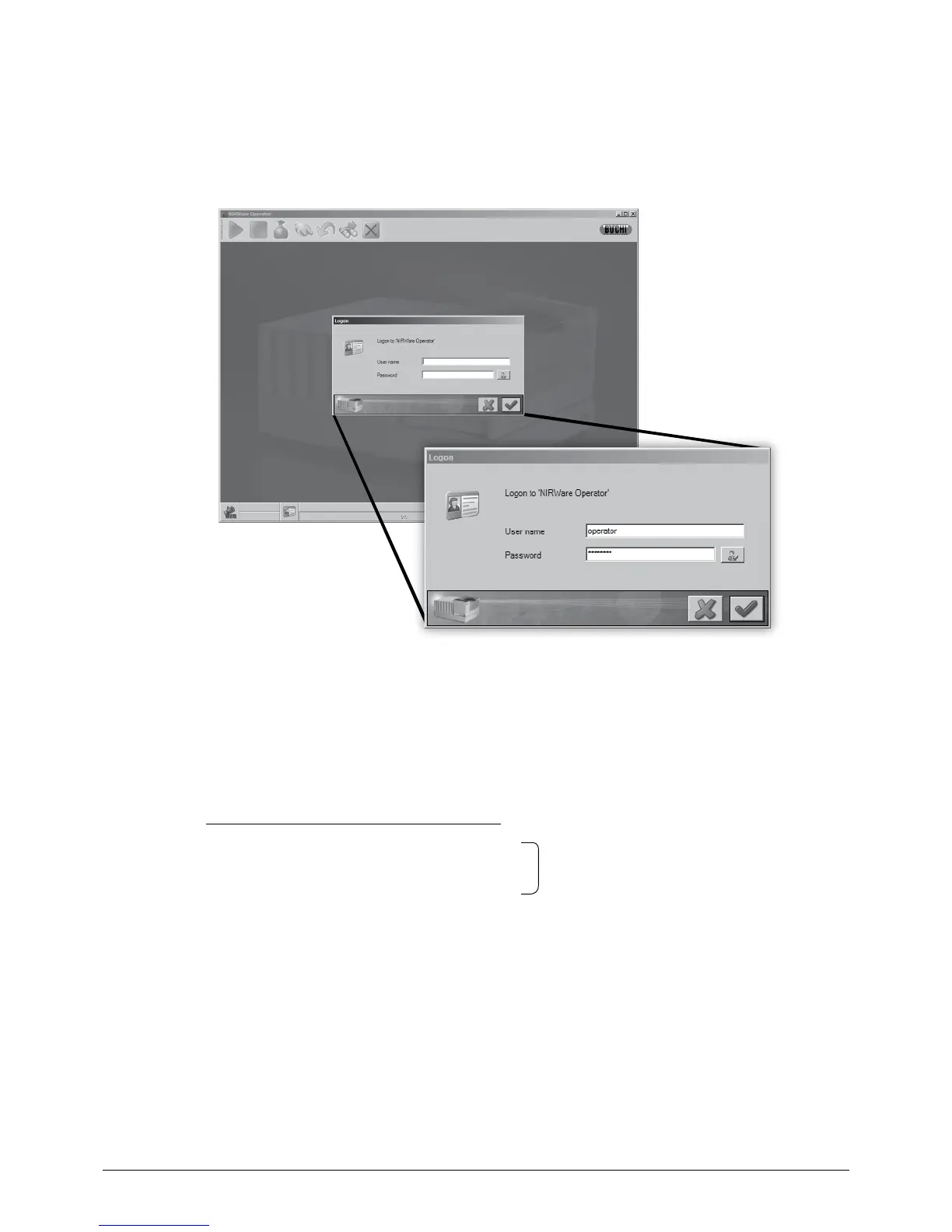
6.4.3 Program login
After every program start, the user must login (see example below) with a valid user name and pass-
word.
NOTE
Different login data and access-rights can be set by the NIRWare administrator.
6.5 How to perform a measurement
For easy handling, the software wizard guides the operator through the measurement process.
A measurement comprises the following steps:
Step 1: Select an application
*
Wizard guided
Step 2: Select / create a batch for the sample
Step 3: Perform one or more measurements of the sample material
Step 4: Result handling
Step 5: Perform another batch operation, rerun current measurement or close batch operation
* Applications contain all values and settings for a measurement (e.g. calibration data and operator configuration)
NOTE
Sample handling is described in section 4.2 ff.














 To Next Page